
What is the point of a 5″ on-camera monitor when you have 7″ monitors at similar price points?
5″ monitors are great for:
- Gimbal use, to keep the weight low.
- Focus puller and camera operator use, because it is close to them so a 7″ is not really required.
- Since you are closer, you don’t need as bright a monitor as you would need at 7″.
- You also don’t need a 4K monitor, because at close-enough distances, a 1080p 5″ monitor is decent enough even for focus pulling work.
- It consumes less power.
- It’s lighter for directors or clients to carry without the added weight.
- It can be used in tight spaces where a 7″ monitor might be too big.
In this article let’s go over three feature-rich 5″ on-camera monitors for less than $200 that deliver great value for money. The monitors have to pass these important criteria:
- A screen with a resolution of 1920 x 1080p or higher.
- Should accept a 4K signal up to 30 fps via HDMI 1.4 or SDI, if possible.
- Have important exposure and focus tools.
- Should use standard Sony or Canon batteries.
- Have a brightness of 600 nits or more.
- Have the standard frame markers.
Let’s get into it.

Here are my picks:
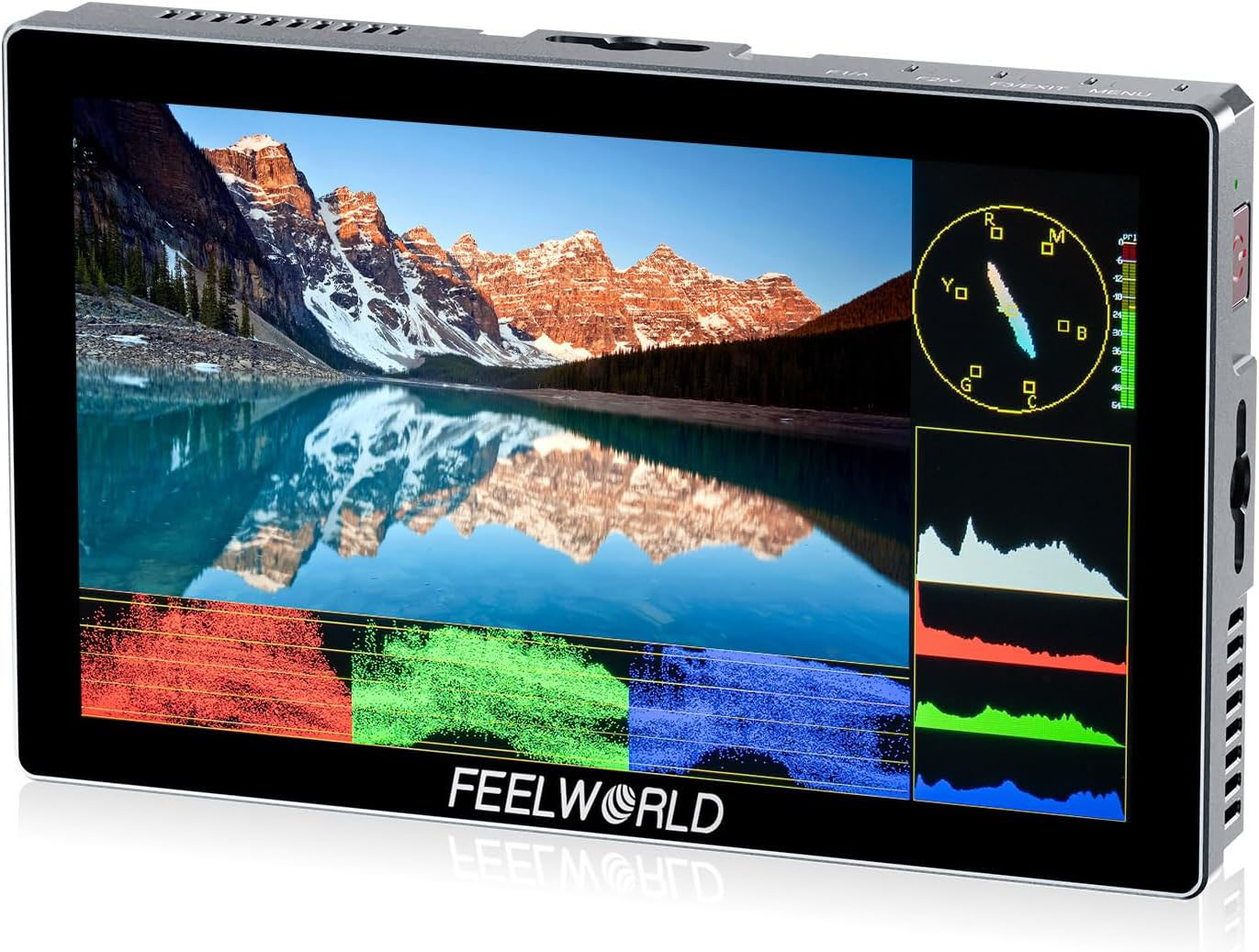
1 FeelWorld P6X
Buy the FeelWorld P6X 5.5″ monitor on Amazon or B&H.
Out of the Box You Get:
- Monitor
- HDMI Cable
- Micro-HDMI Cable
- USB-C to USB-A Adapter
- Mini Cold Shoe Mount Allen Key
Important Specs:
- Display: 5.5” IPS touchscreen, 1920×1080 resolution
- Brightness: 1000 nits
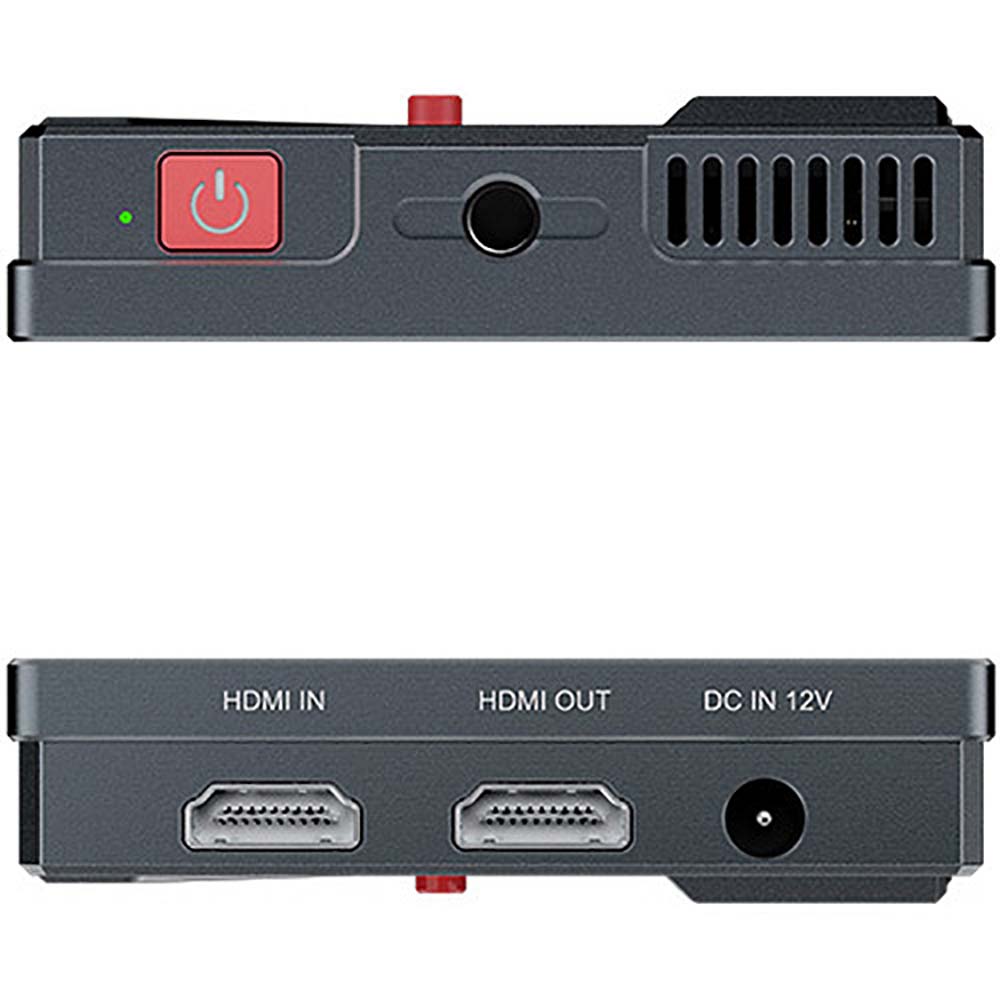
- Inputs/Outputs: HDMI 2.0 in/out, 3.5mm headphone out
- Monitoring Tools: Waveform, Vectorscope, Histogram, False Color, Peaking, Zebras, Audio Meters and Anamorphic Desqueeze
- LUT Support: 3D LUTs
- Power Options: L-Series batteries, 10W power consumption, DC out port.
- Mounting: ¼”-20 thread on top, bottom and side
- Weight: approx. 249g (monitor only)
Positives:
- 4K up to 60p
- Bright 1000 nits which is excellent, even in direct sunlight.
- Full suite of pro monitoring tools.
- HDMI loop-through for viewfinders or wireless setups.
Negatives:
- 160-degree viewing angle. It’s not bad, but 180-degrees would be better.
- No SDI input
- Color accuracy is questionable, but you’re not using these monitors for color work anyway.
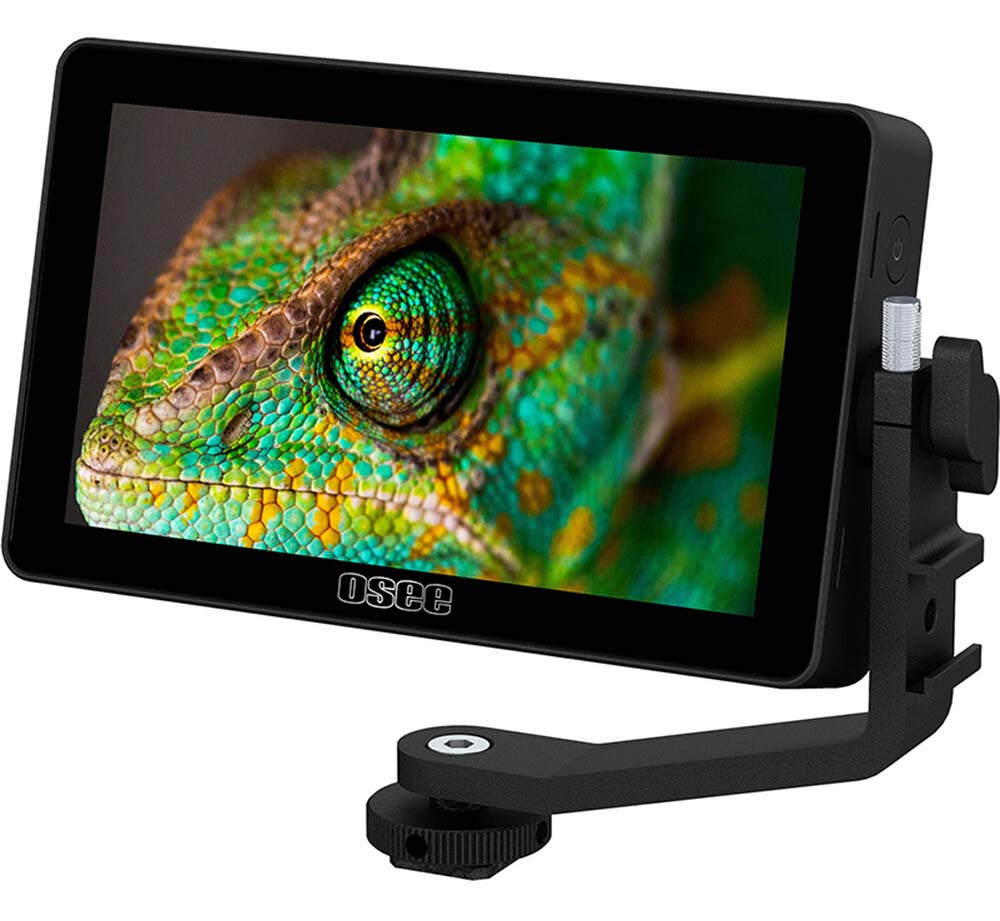
2. OSEE Lilmon 5
Out of the box you get:
- Monitor
- Tilt Arm
- Cleaning Cloth
Important Specs:
- Display: 5.5” IPS touchscreen, 1920×1080 resolution
- Brightness: 1000 nits
- Inputs/Outputs: HDMI in/out, 3.5mm headphone out
- Monitoring Tools: Waveform, Vectorscope, Histogram, Peaking, Zebras, Audio Meters and Anamorphic Desqueeze
- LUT Support: 3D LUTs
- Power Options: L-Series/LP-E6 Combination Mount on Fixed Plate, 6W power consumption, DC out port.
- Mounting: ¼”-20 thread on bottom and side
- Weight: approx. 170g (monitor only)
Positives:
- 178-degree angle viewing
- All the important pro monitoring, focus and exposure tools
- Great color accuracy
- Reinforced mounting screws
Negatives:
- 4K up to 30 fps only
- No false color
- No cables included.
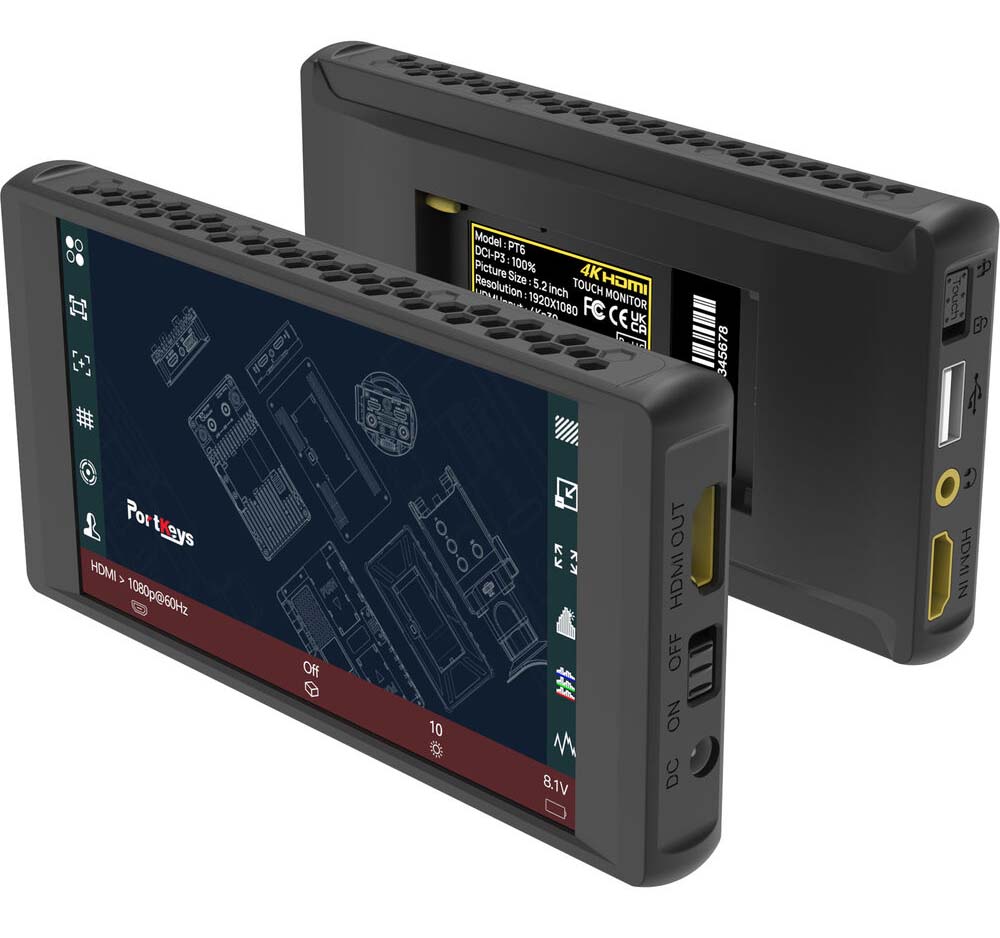
3 PORTKEYS PT6
Out of the box you get:
- Monitor
- Sunshade
- HDMI Cable
- Micro-HDMI to HDMI Cable
- 2 x Rubber Cover
- MH-2 Mount
- Storage Box
Important specs:
- Display: 5.2” IPS touchscreen, 1920×1080 resolution
- Brightness: 600 nits
- Inputs/Outputs: HDMI in/out, 3.5mm headphone out
- Monitoring Tools: Waveform, Vectorscope, Histogram, Peaking, ARRI False Color, False Color, Zebras, Audio Meters and Anamorphic Desqueeze
- LUT Support: 3D LUTs
- Power Options: L-Series batteries, 8.1W power consumption, DC out port.
- Mounting: ¼”-20 thread on bottom
- Weight: approx. 212g (monitor only)
Positives:
- Covers 100% of the DCI-P3 color space
- Supports anamorphic output via HDMI and has many desqueeze options
- Has Arri False Color and general false color
- Lowest power draw
Negatives:
- Only up to 4K 30 fps
- Only one mounting thread
- Only 600 nits
What Features Matter Most?
For the particular use case of a 5″ on-camera monitor, here’s what you really want:
- Focus Peaking – for manual lenses and shallow DOF work. Also zoom-in controls, markers, etc.
- False Color and Zebras for exposure.
- At least 1000 nits if you’re working outdoors.
- Good placement of HDMI ports.
What’s my pick?
Let’s test each monitor for the criteria I laid out at the beginning:
| Criteria | Winner |
|---|---|
| Weight | OSEE Lilmon 5 |
| Construction and Durability | OSEE Lilmon 5 |
| Power Consumption and Options | PORTKEYS PT6 |
| Focus Aids | PORTKEYS PT6 |
| Exposure Aids | PORTKEYS PT6 |
| Anamorphic Aids | PORTKEYS PT6 |
| HDMI port placement | OSEE Lilmon 5 |
| Brightness | OSEE Lilmon 5 and FeelWorld P6X |
If I had to pick one of these three, I would definitely opt for the PORTKEYS PT6 (Amazon, B&H).
Even though it has the lowest brightness amongst the rest, and only one mounting point – it has what really matters for a 5″ monitor.
What do you think?
If you’re looking for 7″ on-camera monitors, check this out:
