
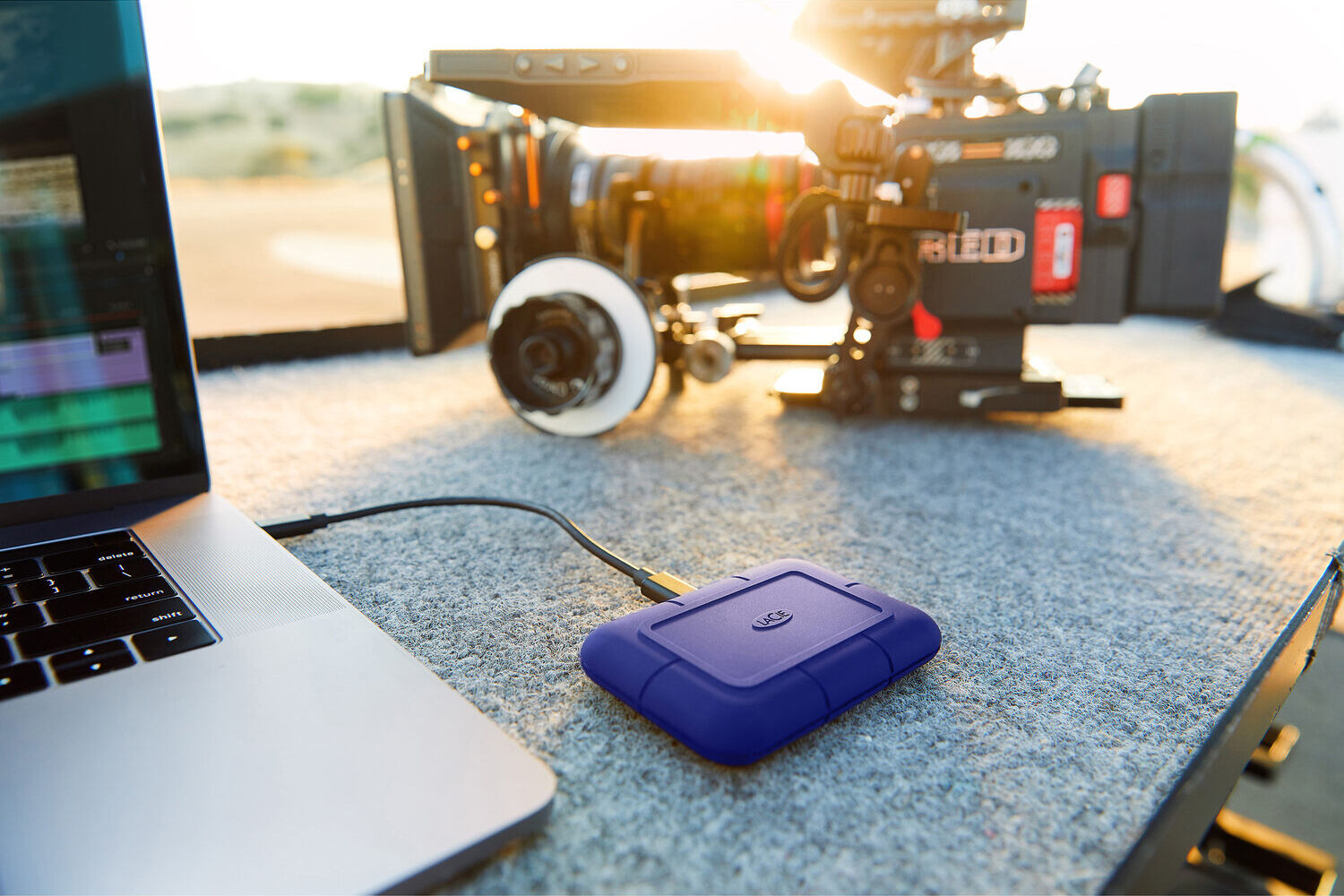
Tell me if you haven’t faced this scenario: Ever rent a RAW cinema camera, shoot one card, and pass it to the DIT. Then watch the backup crawl?
Before card two is full, card one is still copying, and you realize the crew will sit for hours while slow drives grind through terabytes.
Modern cinema cameras now push 8K and 12K RAW at data rates north of 1.5 GB/s. Dumping cards fast matters more than shaving a few grams off your kit. In this roundup we look at four 4 TB drives that are reliable and fast enough for professional filmmaking.

Why Sustained Speed, Thermals, and Build Matter
Real sustained speed prevents card dumps from stalling once the cache fills. Your DIT can off-load a full card in minutes, not hours, while the camera team keeps shooting without waiting.
Trust me, the worst thing is having to wait after the shoot when everyone’s tired.
Second, solid thermals keep the SSD at top speed for the whole transfer. Cheaper SSDs are made for consumer-grade one-time transfer of small pieces of data. With sustained transfers, they heat up and the speed drops.
If the controller stays cool, it will not throttle down to hard-drive rates halfway through the copy. That saves time and guards against corrupted files caused by heat-induced errors.
Third, a rugged build means the drive survives rain, dust, and a three-foot drop on set (these things are small and slippery!). IP ratings and drop specs are cheap insurance.
The last important consideration is the bus. All four drives in this article ride a 20 Gb/s or faster bus – Thunderbolt 3/4/5 or USB 4 – so the cable itself never caps performance. The only limit is the NAND inside, and these models keep that limit above 1.9 GB/s for the full transfer.
If you want an analogy, imagine transferring data from a fast SSD via USB 2.0 – you’ll get the idea. This also applies to the port on your laptop or computer you bring on set. I’ve seen many professionals bring cheap laptops with poor USB ports, or laptops with only one full bus, while the others are slower, or whatever. You need to ensure the device can sustain the throughput.
Every part of the chain matters:
- The memory card (a good professional card with great sustained speeds)
- A great memory card reader that will get the maximum speed from the card via USB-C.
- A PC or laptop with a USB-C port that can actually take all that data without slowing down,
- USB-C Cables that are professional grade, and finally
- The portable SSD that backups that data.
Any weak link will slow down the data transfer. In this article, we’re looking at the last part of the chain – the portable SSD.
I’ve picked 4 TB drives as these are the minimum size for 4K and 8K backups nowadays. They also tend to be faster than 2 TB drives, without a high price penalty.

Spec Chart (4 TB Drives)
First, the important stuff:
| Drive | Sustained write | Sustained read | Interface | Cooling |
|---|---|---|---|---|
| LaCie Rugged SSD Pro5 (Amazon, B&H) | 5,300 MB/s peak; ~1,800 MB/s post-cache | 6,700 MB/s peak; ~5,000 MB/s post-cache | USB-C Thunderbolt 5 80 Gbps | Passive aluminum |
| SanDisk Professional PRO-G40 (Amazon, B&H) | 2,500 MB/s peak; 1,000 MB/s via USB-C 3.2 | 3,000 MB/s peak; 1,050 MB/s via USB-C 3.2 | Thunderbolt 3 40 Gb/s + USB-C 3.2 Gen 2 10 Gbps | Passive aluminum |
| OWC Envoy Ultra FX (Amazon, B&H) | 6,000 MB/s peak | 6,000 MB/s peak | USB-C Thunderbolt 5 80 Gb/s + USB-C 4 40 Gbps | Passive aluminum |
| Samsung T9 (Amazon, B&H) | 2,000 MB/s peak; 1,000 sustained | 2,000 MB/s peak | USB-C 3.2 10/20 Gbps* | Active fan |
The next batch of specs:
| Drive | IP Rating | Drop Test | Data Rescue |
|---|---|---|---|
| LaCie Rugged SSD Pro5 (Amazon, B&H) | Dust/Water-Resistant (IP68) | Crush/Drop-Resistant to 9.8′ / 3 m (Unrated) | Yes |
| SanDisk Professional PRO-G40 (Amazon, B&H) | Dust/Water-Resistant (IP68) | Crush/Drop-Resistant (Unrated) | No |
| OWC Envoy Ultra FX (Amazon, B&H) | Dust/Water-Resistant (IP67) | Crush-Resistant (Unrated) | No |
| Samsung T9 (Amazon, B&H) | No | Drop-Resistant to 9.8′ / 3 m (Unrated) | No |
Takeaways
The LaCie Rugged SSD Pro5 (Amazon, B&H) has Thunderbolt 5, which gives this drive a headline 5.3 GB/s write rate. As per some tests it really does hit that for the first 50 GB. After the cache it cruises around 1.8 GB/s – still fast enough.
The big downside is it needs Thunderbolt 5 for top speed.
The SanDisk Professional PRO-G40 (Amazon, B&H) runs at full speed on either Thunderbolt 3 or 4 and drops to 1 GB/s on 10 Gb USB-C. Many Macs don’t support 20 Gbps USB4, so that’s a bummer.
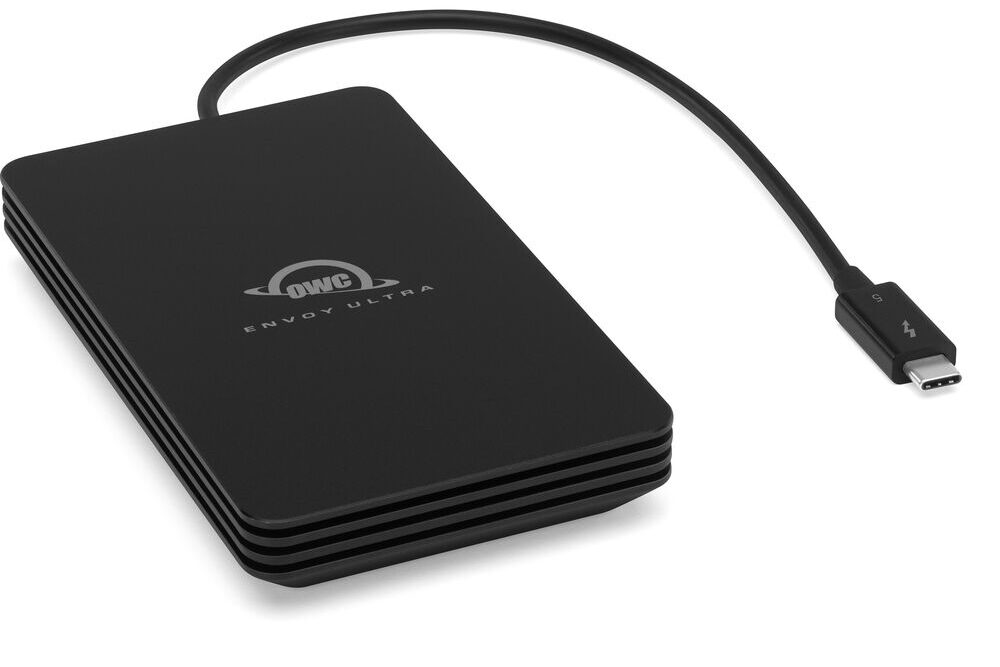
The OWC Envoy Ultra FX (Amazon, B&H) offers similar specs to the LaCie, but comes with the cable attached. That’s a good and bad thing sometimes.
The Samsung T9 (Amazon, B&H) is what you’d use on a budget, and it isn’t limited by thermal throttling, like the earlier T7 and T5 series were. However, it has no IP rating, and that’s a bummer.
Workflow Notes
- Cable quality matters. Poor cables and speeds can drop by half.
- ExFAT for the win. ExFAT stays camera-friendly but can fragment; reformat every few projects to maintain peak writes. I’ve been using exFAT on all my drives for over a decade – on both Macs and PCs, over tons of different shoots and situations. Hasn’t failed me once.
- Thermal envelopes. Drives mounted to a camera rig need airflow. Even fanless designs throttle if taped under a hot body with no ventilation.
Which Portable SSD to pick?
If you have systems capable of sustaining Thunderbolt 5 speeds, and you’re filming with cameras that write that kind of scary data, pick the LaCie Rugged SSD Pro5 (Amazon, B&H).
For everyone else, I recommend the SanDisk Professional PRO-G40 (Amazon, B&H). It gives you basically the same benefits at slower speeds – but still fast for most camera RAW formats.
Ultimately, the problem with USB-C 3.2 is you’re only going to get 10 Gbps anyway, so having Thunderbolt is a great plus on a film set.
For on-set professionals the cost of losing five minutes between takes dwarfs the extra dollars these drives command. Match the interface to your camera off-load rate, buy multiple identical SSDs for mirrored backups, and your DIT station will breathe easy.
Take it from me, portable SSDs are not the place to pinch pennies.
