
In this lesson we’ll quickly go through the tools available for exposure in the Atomos Shogun .
Waveform
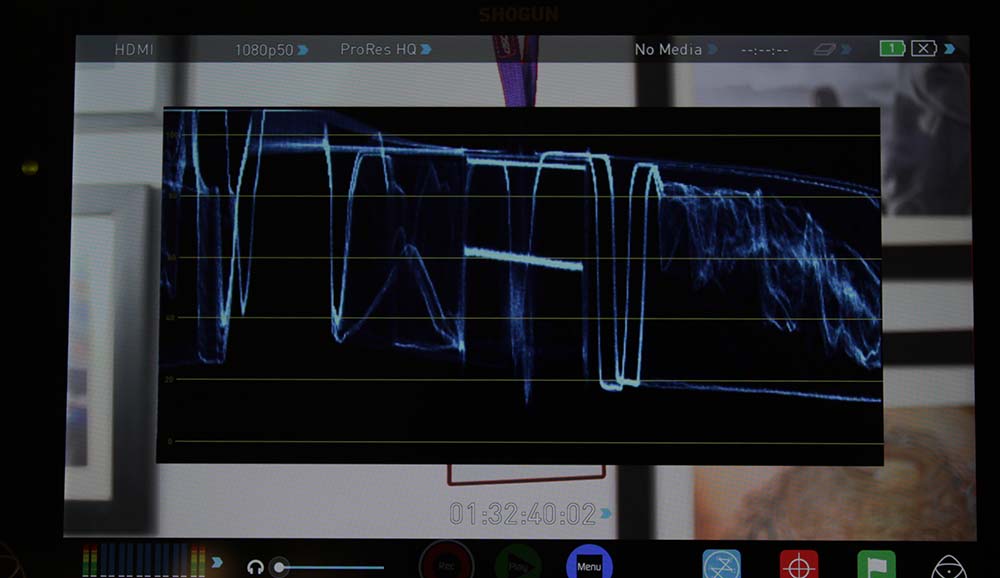
The waveform monitor displays IRE levels from 0 to 109, and it is the best tool to judge exposure for your camera. Even if you didn’t have access to anything else, this tool will tell you most of what you need to know about exposure.
Here’s the cheat sheet:
- For Rec. 709 in Rec. 709 color space, middle grey should be at about 45 IRE (42-48 IRE is okay)
- For all Cine modes in the Cine color space, middle grey should be at about 50 IRE.
- For S-Log2, middle grey is at 32 IRE.
- Finally, for S-Log2 under the wolfcrow system, your middle grey should be raised to about 70 IRE.
RGB Parade
The RGB parade tells you at a quick glance if there’s a color cast in your image. If all channels align up nicely, you’ve probably done your white balance correctly.
Vectorscope and Zoomed-in Vectorscope
The vectorscope is an even more powerful tool than the RGB parade. It tells you if your skin tones are spot on, and whether your white balance is spot on as well.
The zoomed-in vectorscope helps you check your white point even more precisely. This is an indispensable tool that videographers have been using for ages.
Zebra
The zebra on the Shogun is better than the one on the A7s because it extends the range from 50 to 105 IRE (on the A7s it’s from 70-105 IRE).
This will help you nail exposure on modes other than S-Log2 as well, as we shall see. The Zebra is also an excellent source to check for blown highlights or crushed shadows.
False Color
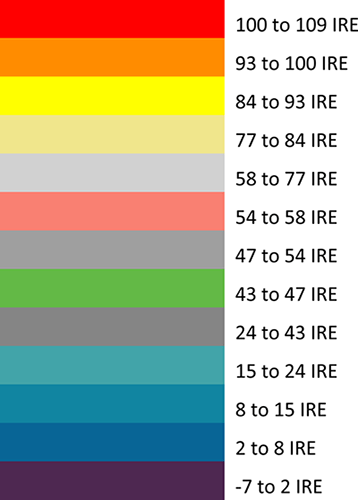
The false color tool is basically “all your zebras, but in color patches”. Here’s how the false color system is designed in the Atomos Shogun:
And here’s how the colors relate to zebras:
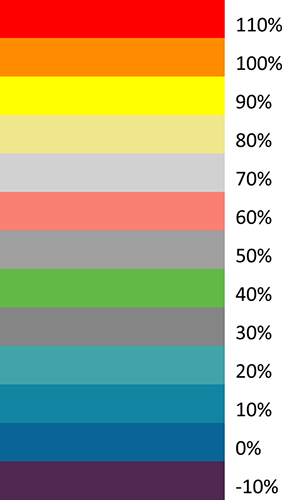
For Rec. 709 in the Rec. 709 color space, correct exposure will be green, and Caucasian skin is supposed to be placed on pink. In this color space and standard, you’re unlikely to use the first two and last one patch.
The A7s will not be using the last two patches in S-Log2 mode. According to the wolfcrow system, if you overexpose your middle by +3, you should see the lightest grey patch (70 IRE).
One note about the red patch: Anything above 100 IRE is in red, so don’t get scared if you see any red patches. The A7s is capable of holding detail all the way to 105 IRE. This means, the red patch is not really a good indicator of blown highlights. I’d use the waveform monitor for this instead.
Blue-only
This is mostly used to check noise. E.g., if you’re shooting at ISO 100,000 and above, this is what the normal image might look like:
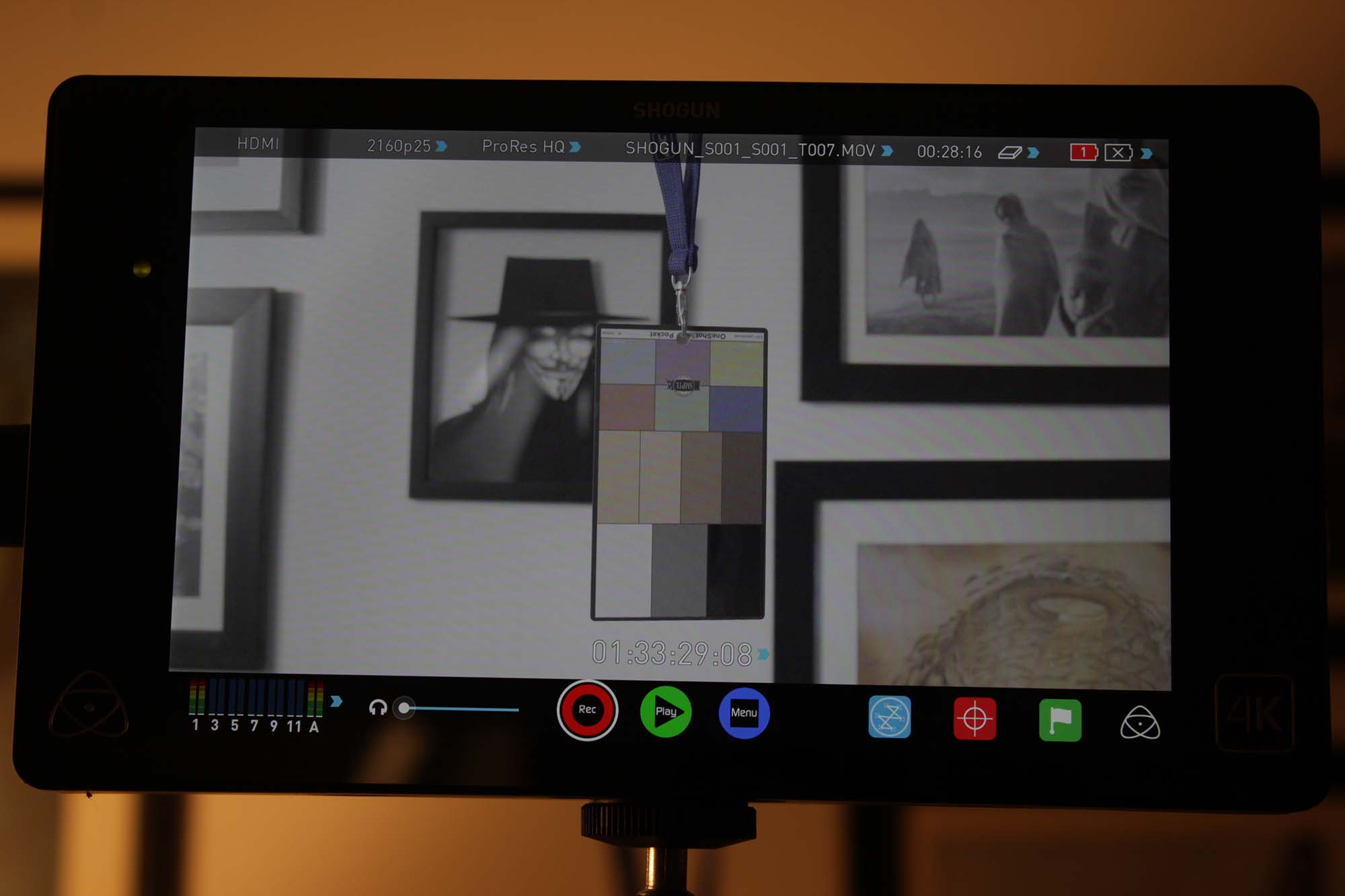
In blue-only mode, you’ll see the noise more clearly:
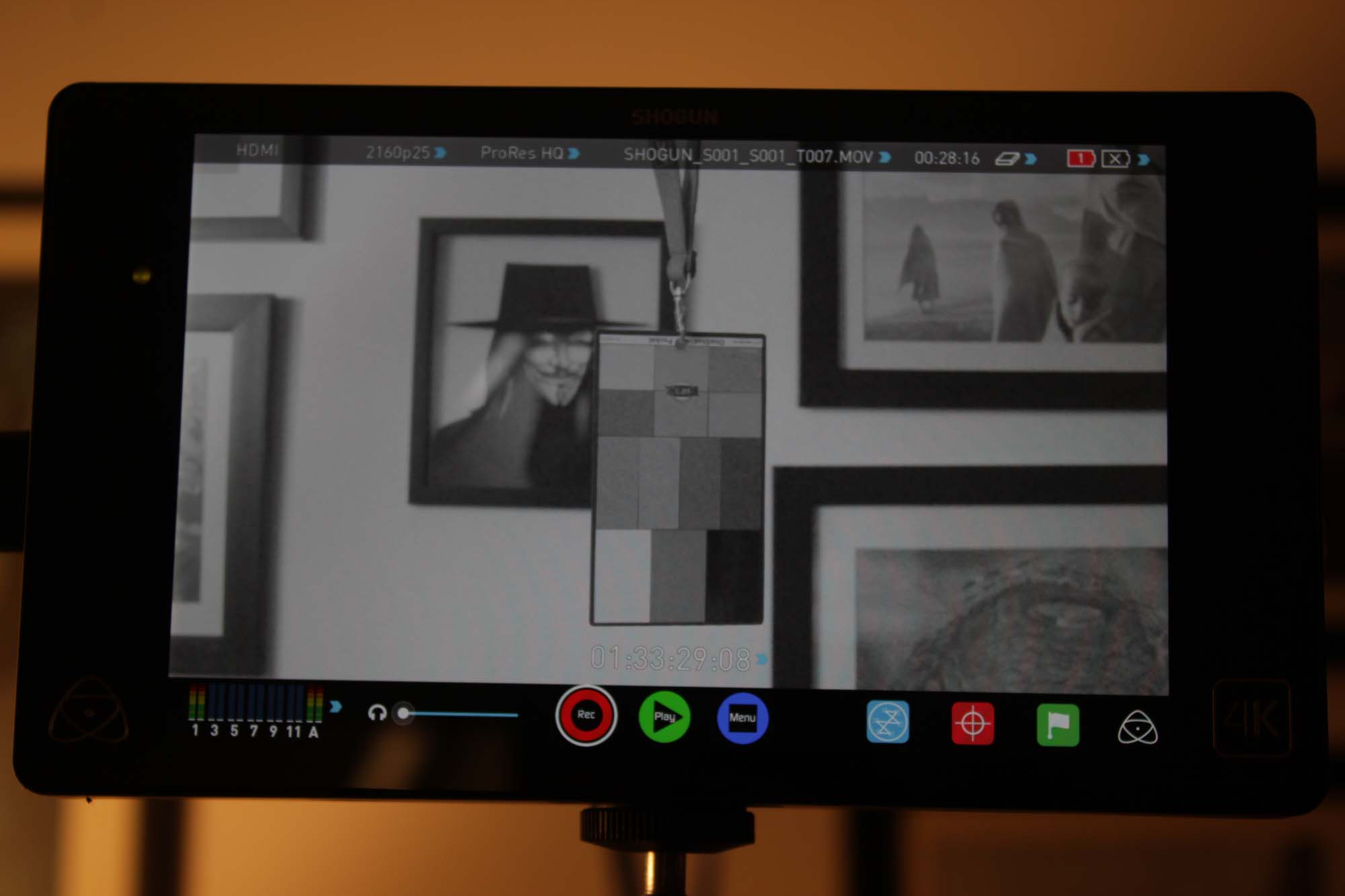
That’s all for the exposure tools available on the Atomos Shogun. My picks in order of importance:
- Waveform (most precise)
- Zebra
- Vectorscope
- False Color
