
AutoHDR is not available for RAW stills, only JPEGs.
For every shutter press, the camera records two images, one slightly underexposed and the other slightly overexposed. The degree is determined by the settings.
You will find Auto HDR in Menu A > 5 > DRO/Auto HDR > Auto HDR. You have the following choices:
- Auto: Camera automatically determines the two exposures.
- 1EV – This is the total exposure window. One image is recorded normally and the other supposedly half a stop over.
- 2EV – This is the total exposure window. One image is recorded normally and the other supposedly a stop over.
- And so on, until –
- 6EV – This is the total exposure window. One image is recorded normally and the other supposedly three stops over.
Note: The manual incorrectly states three images are recorded. In my tests, it only records two. The ‘normal’ exposure and the optimized exposure.
The test
Here’s a scene with Auto HDR off (click to enlarge):
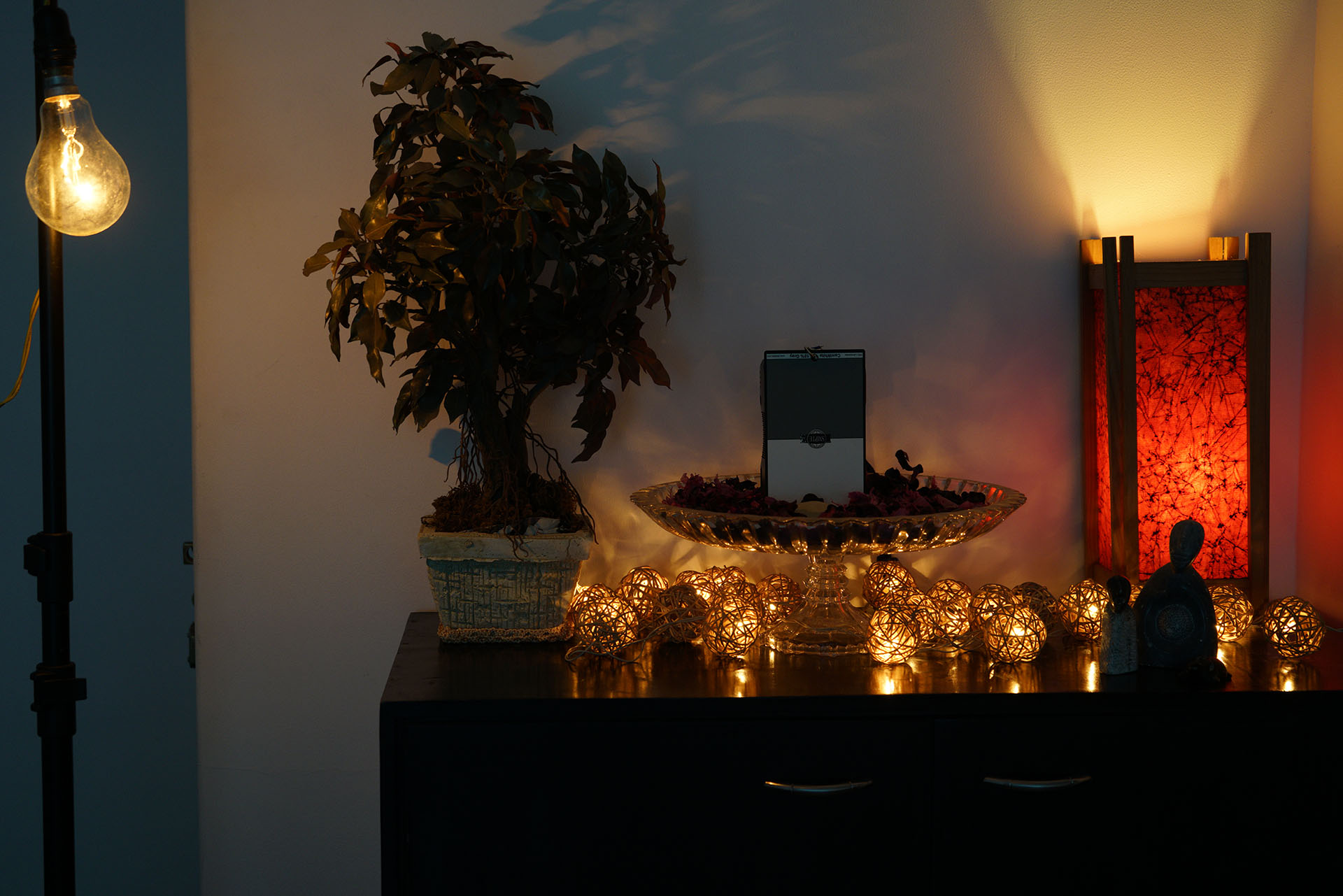
ISO 800, 1/25th shutter, f/4.5 at 51mm on a 28-70mm f/3.5-5.6mm lens. Standard picture profile. X.Fine JPEG quality.
Now here are four results (each row) for Auto HDR at Auto, 1EV, 3EV and 6EV (click to enlarge):
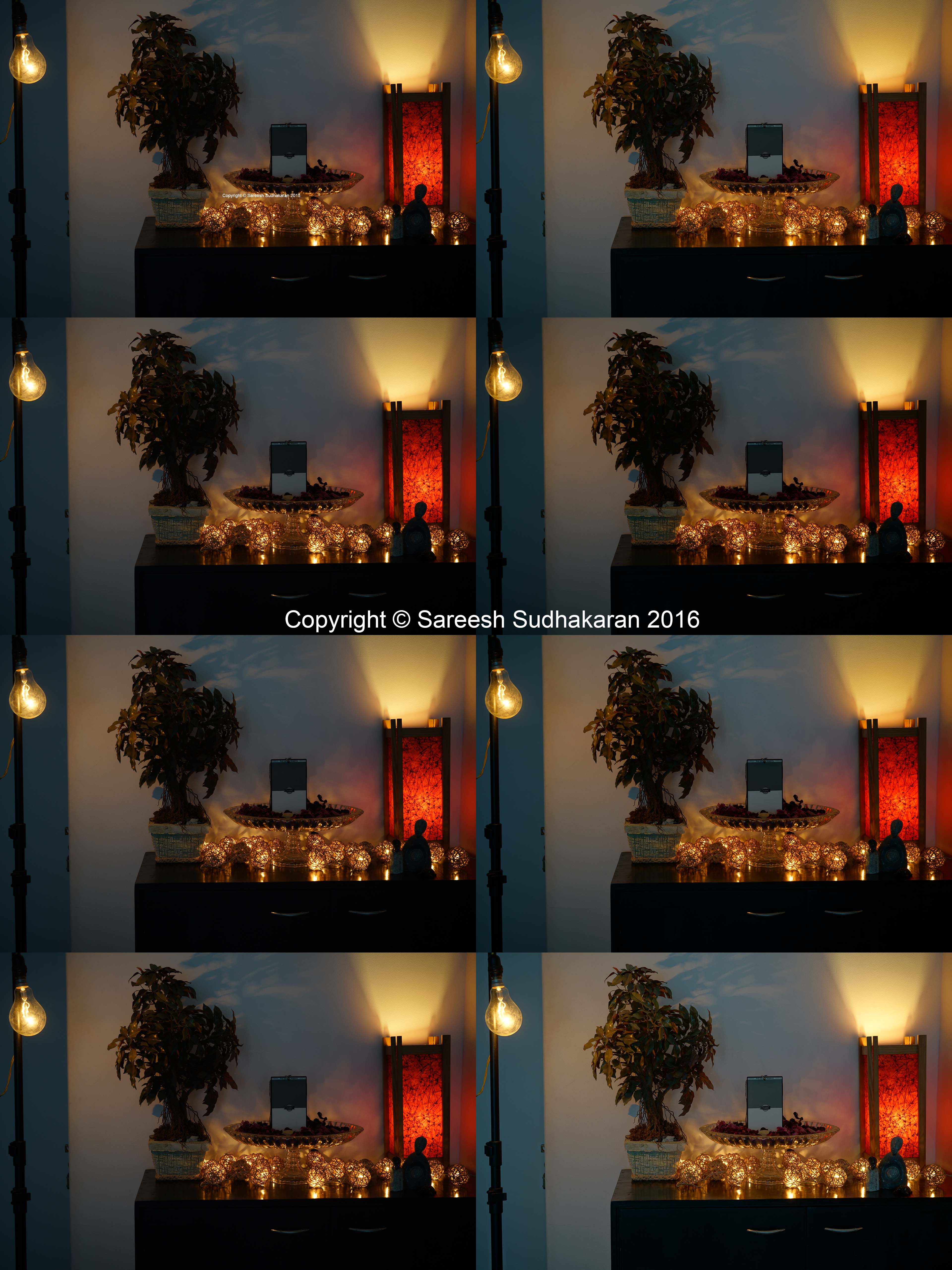
ISO 800, 1/25th shutter, f/4.5 at 51mm on a 28-70mm f/3.5-5.6mm lens. Standard picture profile. X.Fine JPEG quality.
You can see quite clearly in the case of 6EV that the overexposure is not by 3 stops, or everything would be blown out. When I studied the EXIF data in camera, I see a  sign, which tells me it’s beyond the camera’s ability to calculate*.
What typically happens is the camera raises the shadows the higher you go. 6EV has the most, while Auto is similar to 3EV.
What it does not do is recover highlight detail.
Takeaways
Ignore Auto HDR. Not only does it create extra images (if you have to work in post why not do it with bracketing?) but it doesn’t eliminate noise while raising the shadows. in the above image, if you raise the shadows of the normal exposure, you will get similar results.
Auto HDR doesn’t work in tandem with the following:
- Auto
- Panorama
- Multi frame NR
- Picture effects and picture profiles
- Flash
*A note from Sony:
- When the contrast of the scene is low or when product shake or subject blur occurs, you may not obtain good HDR images.
