
With RAW, you have the choice of compressed and uncompressed stills, if you have updated your firmware. The only reason to shoot compressed is to reduce file size (by about 50%). Here are the sizes of a typical 42MP 14-bit RAW image*:
- Compressed: 43.1 MB
- Uncompressed: 85.7 MB
*The sizes will vary by a bit depending on the kind of information you’re shooting.
What we need to determine is whether you lose quality by compressing RAW.
Note: This lesson was made after updating to firmware version 3.0. If you’re on a previous firmware and seeing worse results for compressed RAW, please update.
The tests
I did two kinds of tests*:
- Interior test scene, over, under and correctly exposed – then tortured in Lightroom
- Exterior scene, over, under and correctly exposed – then corrected in Lightroom, without the torture.
All files were exported from Lightroom with JPEG quality 10.
Interior Tests
This is what it looked like, default state (compressed and resized, Daylight WB):
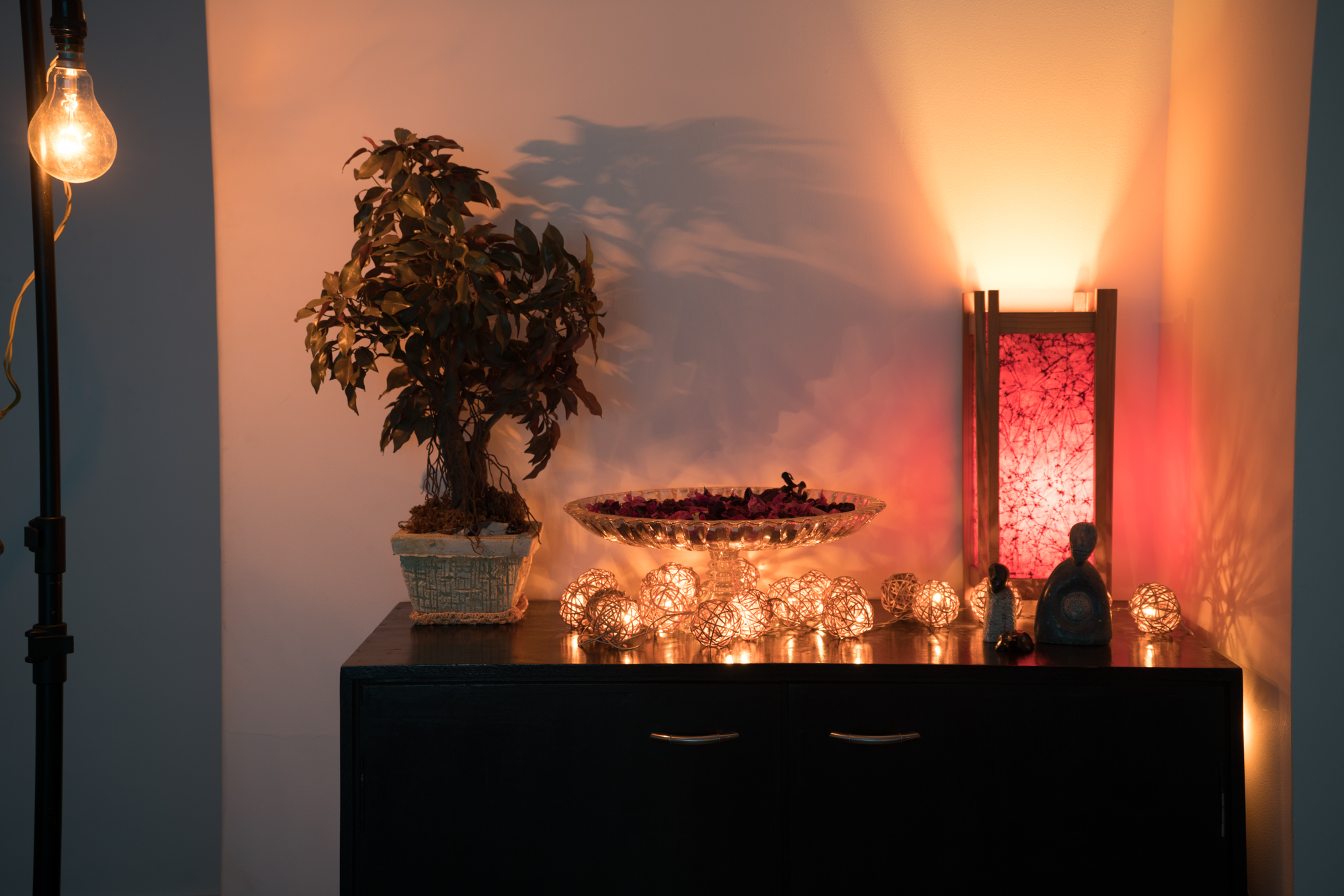
Warning, all images are full size, so are still quite big.
First, the normal exposure, tortured in Lightroom:
Second, the underexposed scene where I pulled up the shadows to the max for shadow recovery detail:
Finally, the overexposed scene pulled down for highlight recovery detail:
Exterior Tests
This is what it looked like, default state (compressed and resized, Cloudy WB):
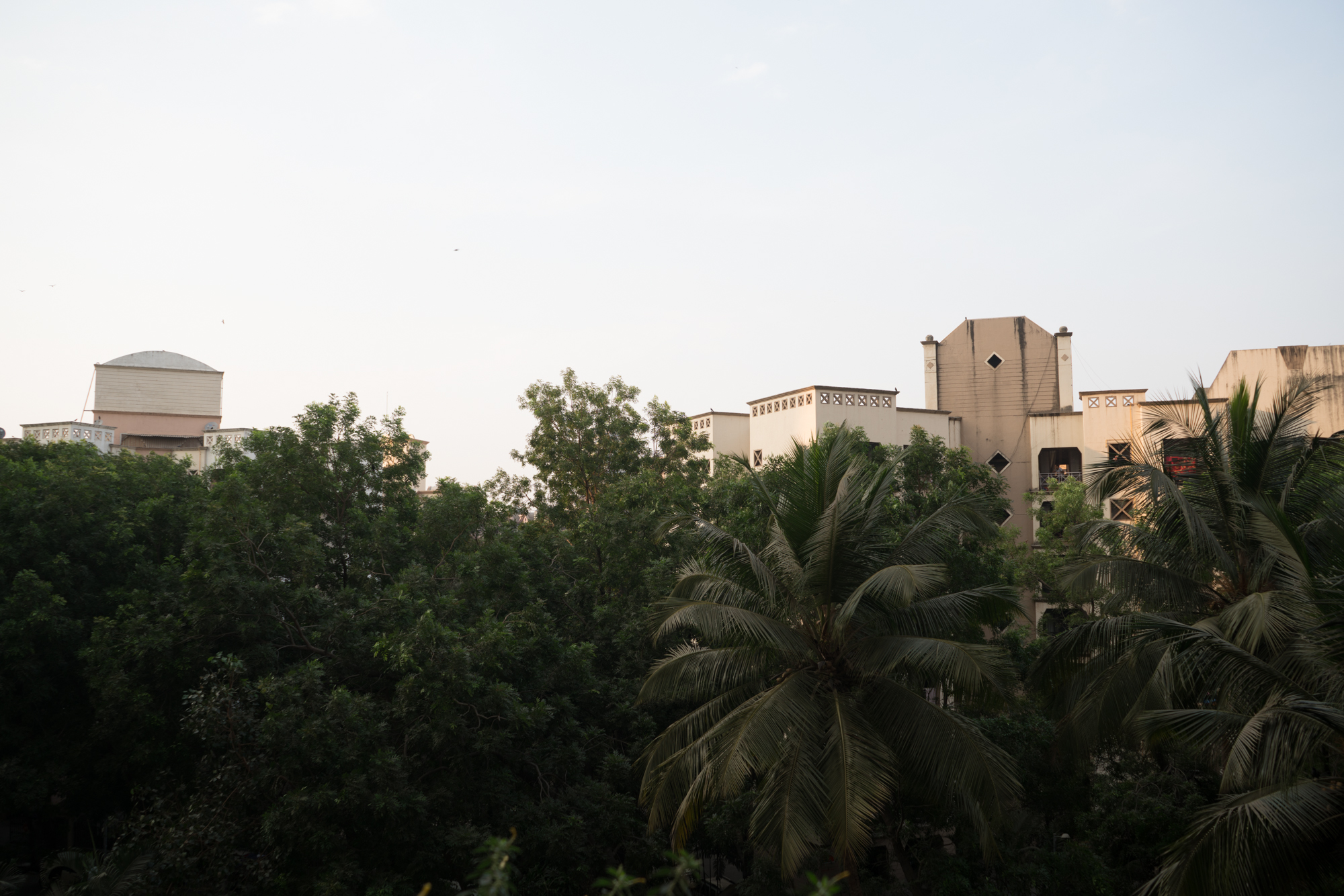
Warning, all images are full size, so are still quite big.
First, the normal exposure, tortured in Lightroom:
Second, the underexposed scene where I pulled up the shadows for shadow recovery detail:
Finally, the overexposed scene pulled down for highlight recovery detail:
*EXIF – ISO 100, shutter changed, f/5.6 at 51mm on a 28-70mm f/3.5-5.6mm lens. Standard picture profile. RAW.
Overall, I also studied the scene with different processing, raising the shadows, lowering the highlights, etc., for an hour or so.
Takeaway
There is a slight advantage to uncompressed RAW, especially with color information when you raise the shadows. But it’s almost imperceptible in normal shooting conditions. It boils down to something like this:
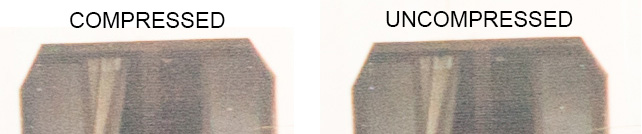
Some people have reported artifacts with compressed RAW, but it needs to be verified if:
- They have a defective camera, lens or filter, etc.
- They have updated to firmware v3.0.
Keeping this in mind:
- If you’re shooting fine art for prints sized at about 26-42″ on the long end, then shoot Uncompressed.
- If you’re shooting color critical work – product, art reproduction, macro, etc., shoot Uncompressed.
- For everything else, including commercial work, compressed RAW is good enough.
If you do see any results to the contrary, please let me know.
