In this video I’ll walk you through all the video settings in the Blackmagic Pocket Cinema Camera 6K and 4K.
If you’re following along with me and just want to proceed, skip to the next chapter. You can always use this video as a reference to gain further insight on a particular setting or feature.
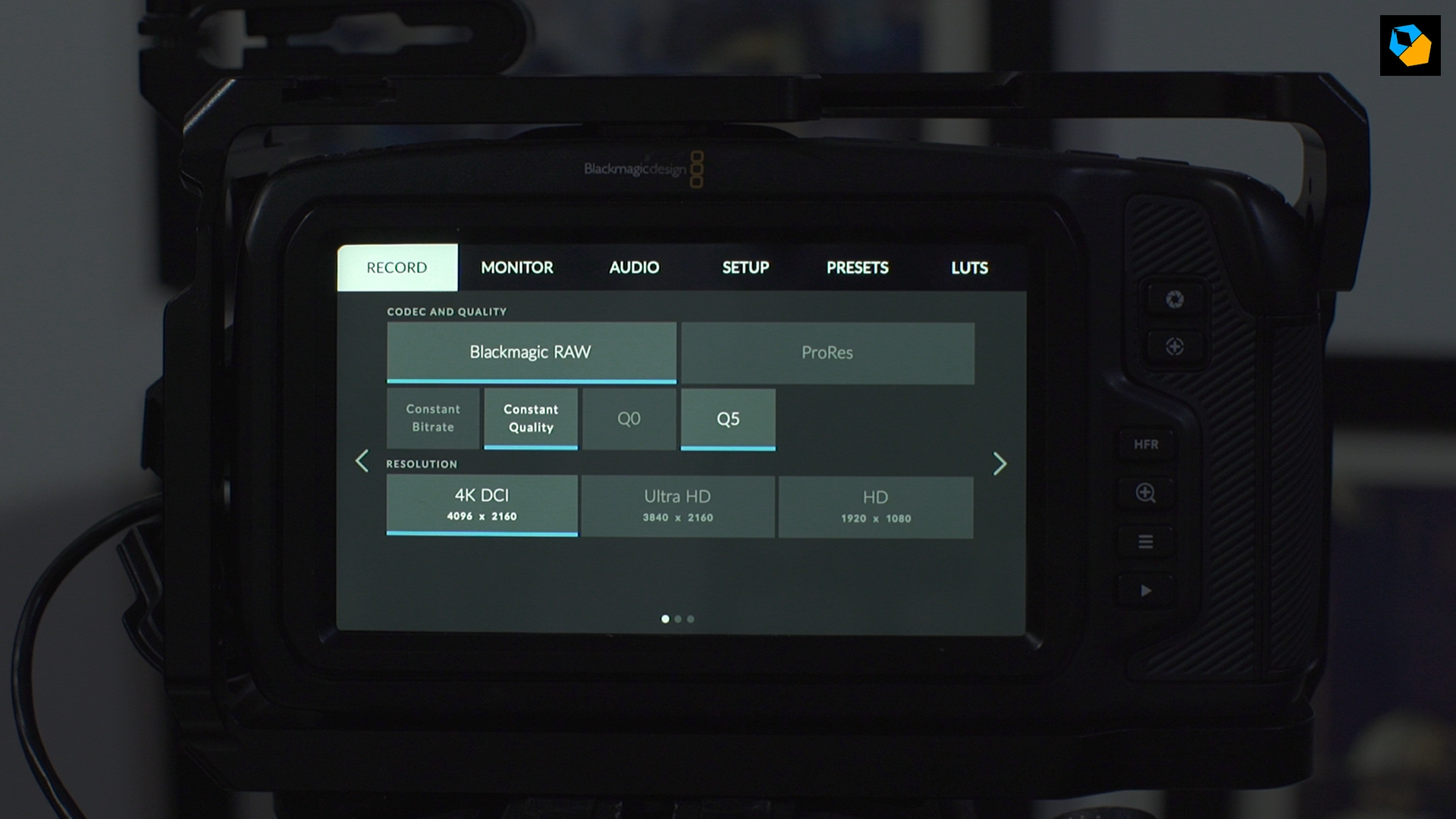
Please note, the first page has changed after the BRAW update. It is as follows for the Pocket 4K:
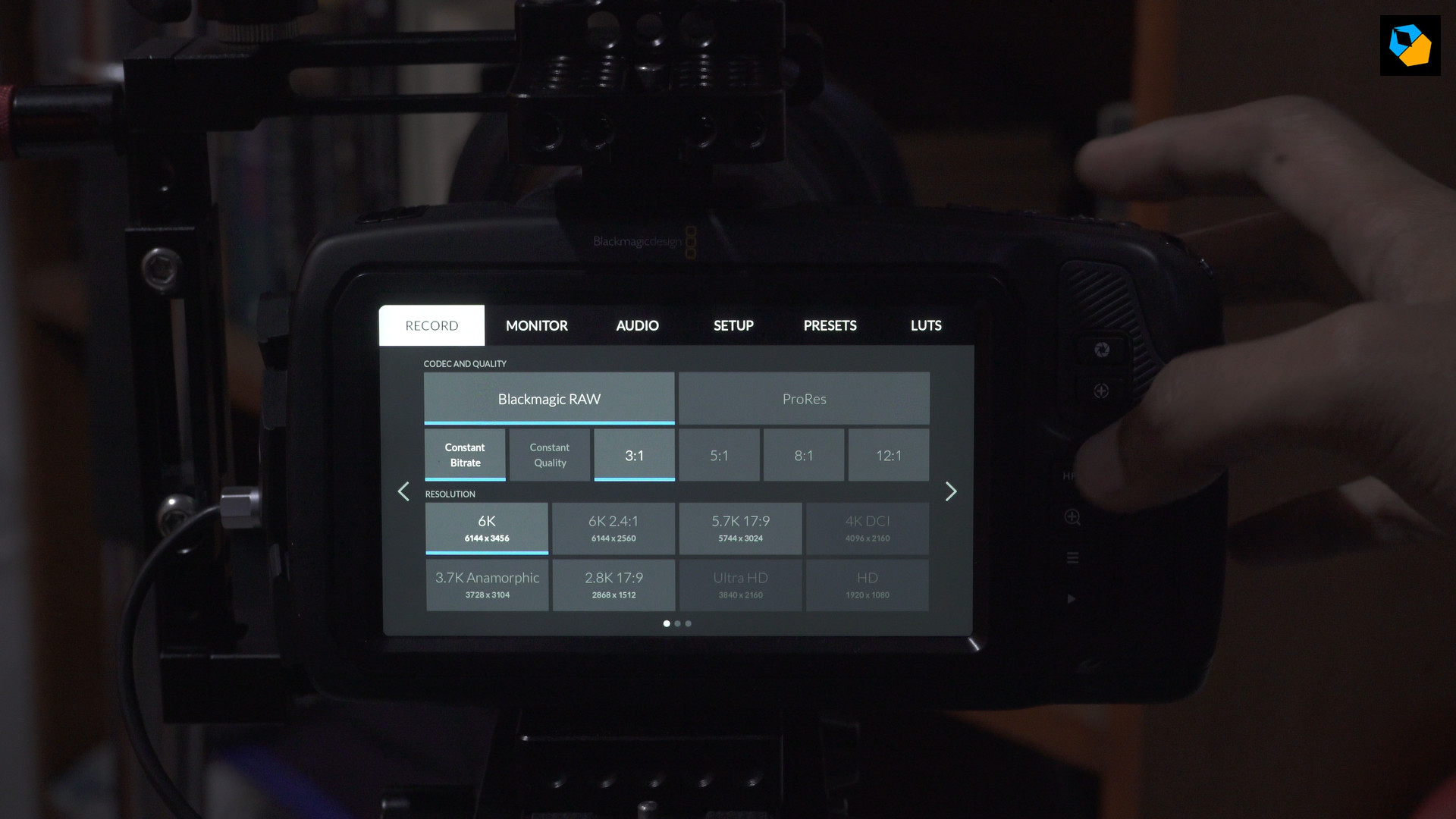
And as follows for the Pocket 6K:
The explanation of RAW features is in respective lessons for the 6K and 4K cameras. You’ll find it in the main menu.
As for the rest of the menu, the following video is still valid:
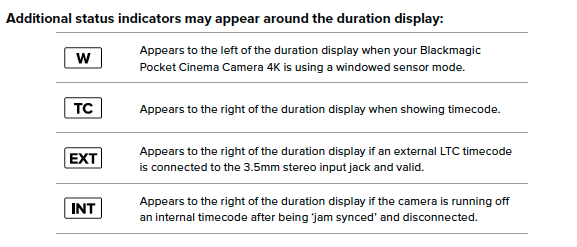
Next to the Timecode indicator, you might see a few status text indicators, here are what they mean: