
This setting is not available for RAW images or video.
High ISO NR reduces noise at high ISOs. You have two settings:
- Normal – for moderate noise reduction.
- Low – for lower noise reduction.
If you select this, you might have to wait till your image is processed before you can shoot again. In practice, I’ve noticed you only have to wait a couple of seconds, but your mileage may vary.
The tests
I conducted two tests.
The first is at 1/4000 shutter, 102400 ISO. EXIF – f/4.5 at 51mm on a 28-70mm f/3.5-5.6mm lens. Standard picture profile. X.Fine JPEG quality 12MP. Multi-metering, underexposed by -0.7EV. Compressed to a small size and Medium quality JPEGs:
Normal, Low and Off:

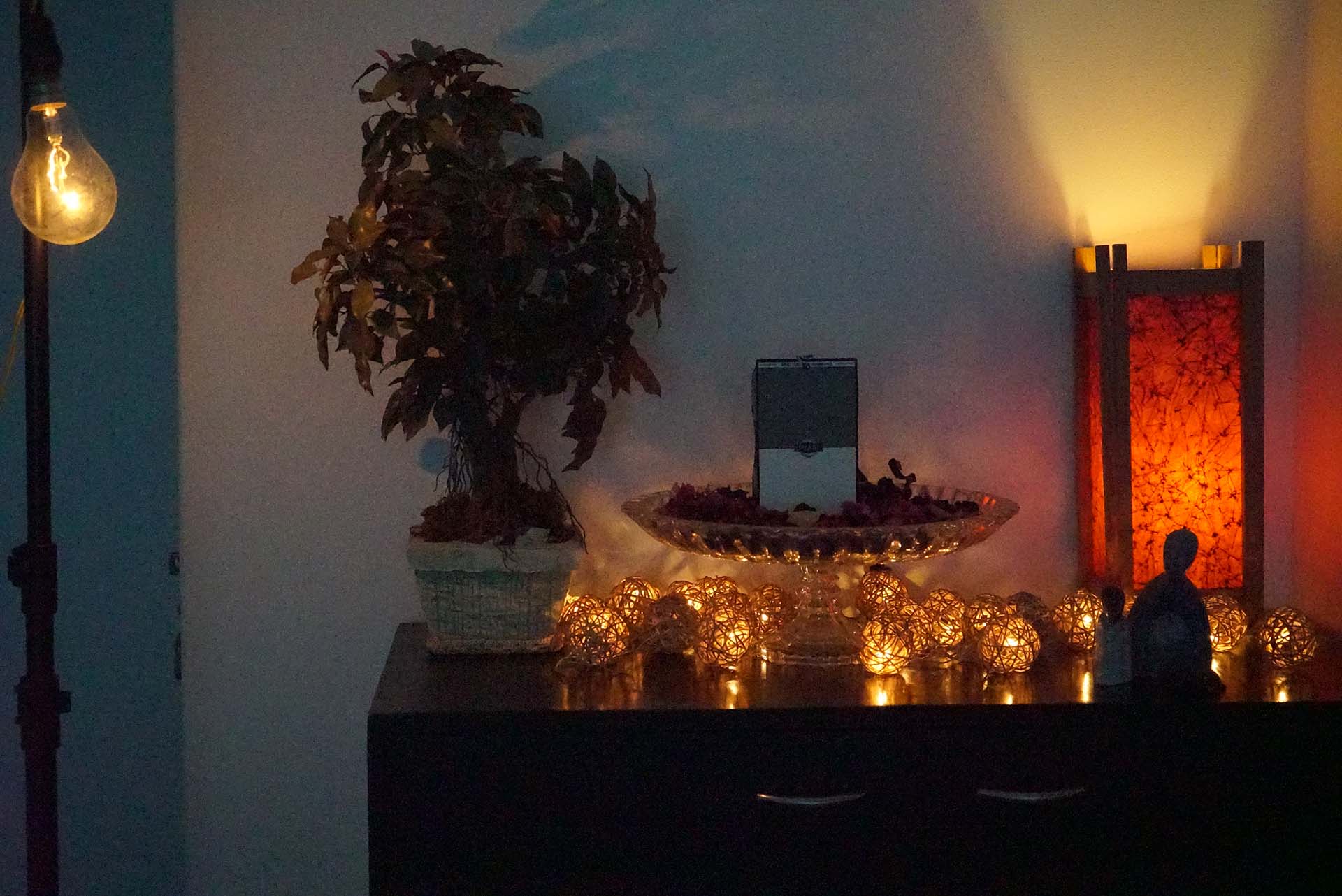

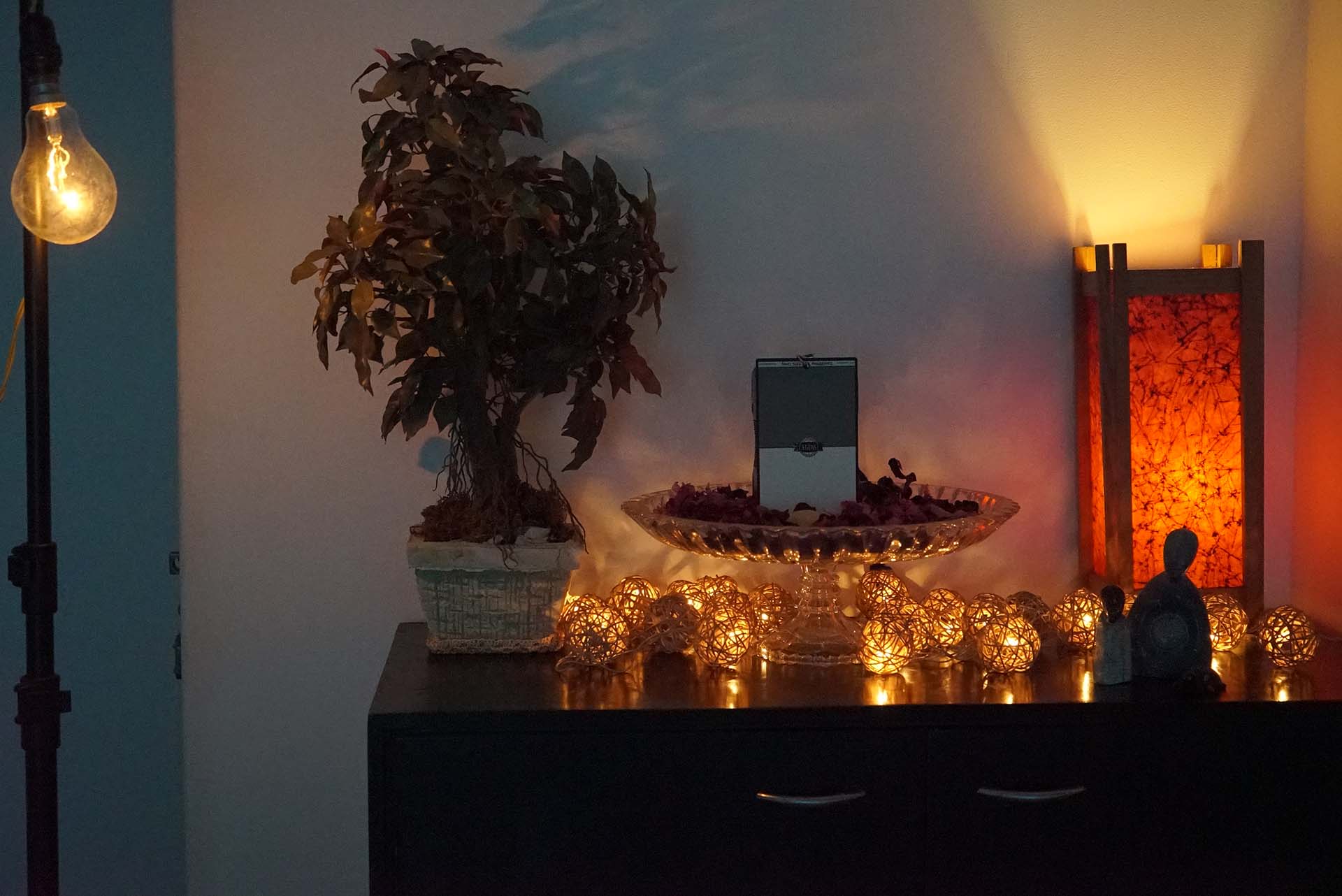
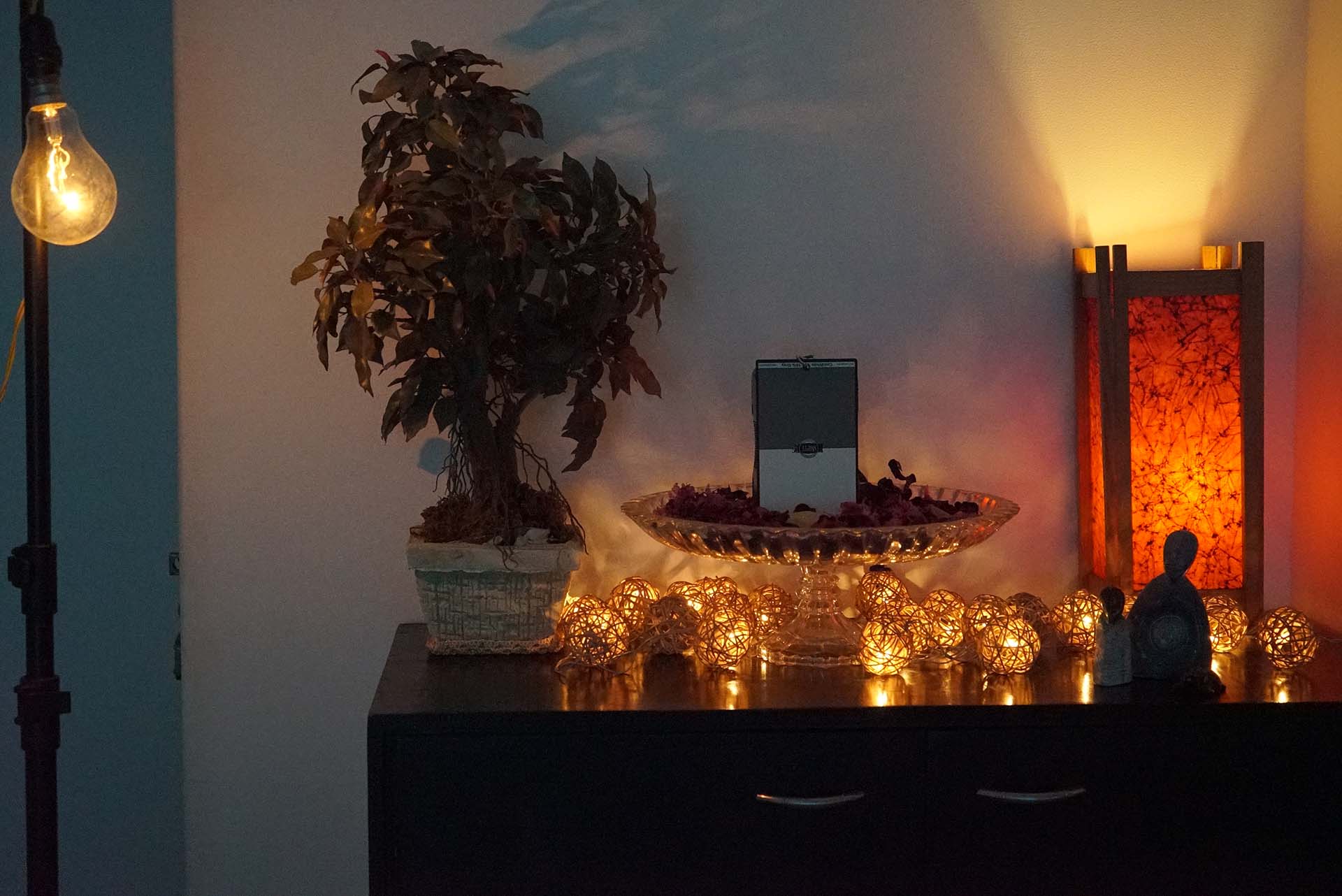
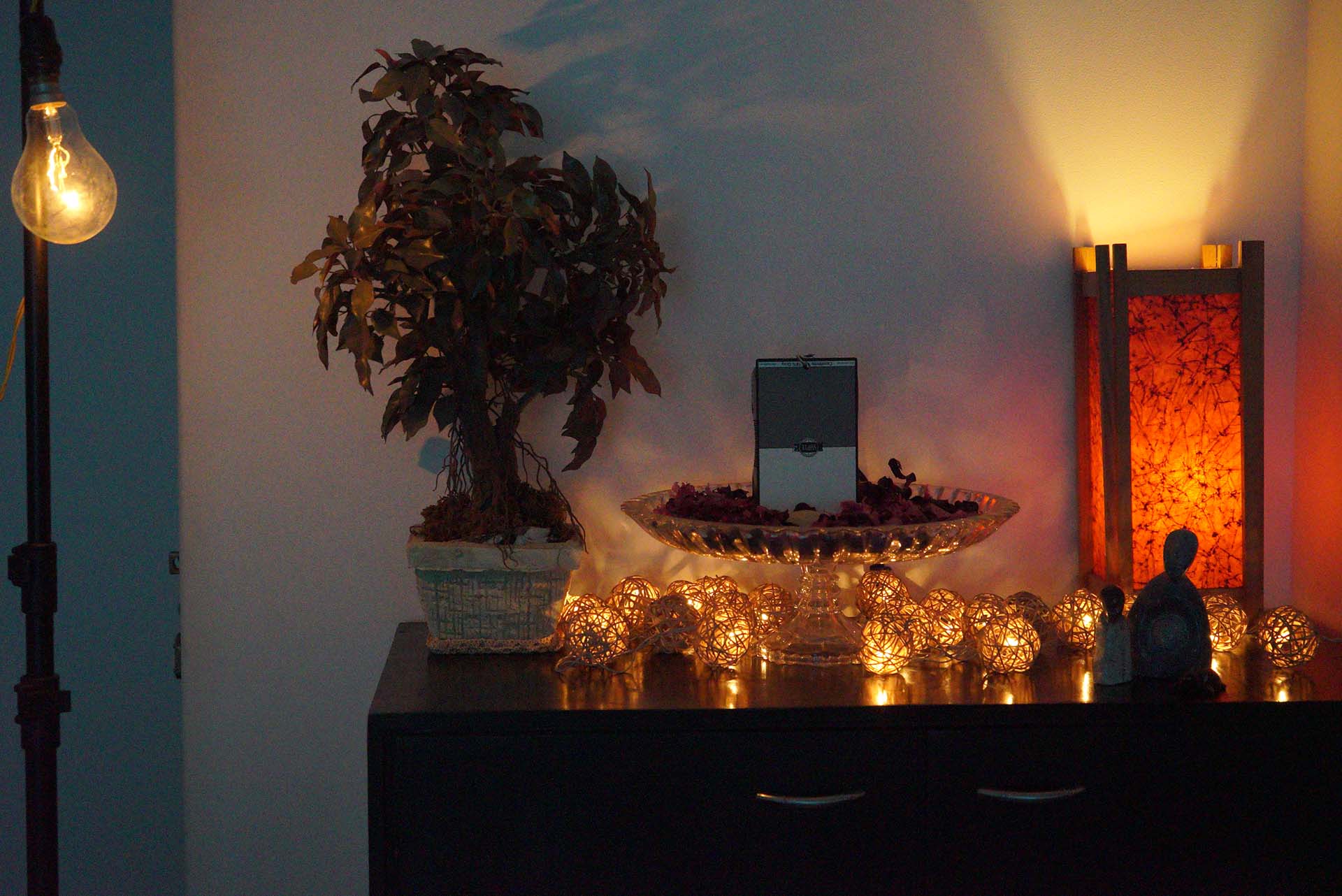
The second is at 1/800 shutter, 25600 ISO. EXIF – f/4.5 at 51mm on a 28-70mm f/3.5-5.6mm lens. Standard picture profile. X.Fine JPEG quality 12MP. Multi-metering, underexposed by -0.7EV. Compressed to a small size and Medium quality JPEGs:
Normal, Low and Off:
Takeaways
- The lower the ISO, the better the camera does.
- The Low setting is good enough. Normal only makes things worse.
- You can get similar and slightly better and more controlled results with noise reduction in post. The camera doesn’t do away with color noise completely, and details turn to mush.
Bottom line, if you’re desperate and you’re shooting JPEGs and have absolutely no time in post, choose High ISO Low. Everyone else should ignore it.
