

This guide turns common industry practices into a simple method you can use to plan and schedule a short or feature film on a low budget.
I want to stress we’re not talking about films with major action or heavy VFX. Those things skew the numbers – usually to the higher side.

Step 1: Translate “coverage” into time
Coverage means how many distinct angles or setups you plan to shoot for each beat of a scene. Dialogue scenes with minimal blocking usually need fewer setups than scenes with stunts, vehicles, crowds, or elaborate blocking.
On low-budget features, most time is spent on the following four items per setup:
- Lighting and camera placement
- Rehearsals and adjustments
- Takes – the actual filming
- Resets – getting back into position for another take
As setups rise, the number of completed scenes and shots per day falls.
A well-prepped, dialogue-heavy day with 12–16 setups can be realistic on a lean indie film. A complex day with 20+ setups will push into overtime, meal penalties, or cut into future days.
The first step though, is to write down your coverage for every scene, and don’t worry about the total number for now.
Step 2: Build your speed assumptions from real films
Here’s a table of some films with their run-time and filming days:
| Name | Run-time (min) | Filming days | Minutes filmed per day |
|---|---|---|---|
| Whiplash | 106 | 19–20 | 5.30–5.58 |
| Moonlight | 111 | 25 | 4.44 |
| Before Sunset | 80 | 15 | 5.33 |
| The Florida Project | 111 | 35 | 3.17 |
| Short Term 12 | 96 | 20 | 4.80 |
| Columbus | 104 | 18 | 5.78 |
| Blue Jay | 80 | 7 | 11.43 |
| Paterson | 118 | 30 | 3.93 |
| Nebraska | 115 | 35 | 3.29 |
| Locke | 85 | 8 | 10.62 |
| Once | 86 | 17 | 5.06 |
| Clerks | 91 | 21 | 4.33 |
| Averages | 98 minutes | 21 days | 5.5 minutes per day |
Run-time matters for scheduling for these reasons:
- Runtime grounds your shot estimate: Shots = (run-time × 60) ÷ ASL.
- Longer runtime at the same ASL means more total shots, which either increases days or requires higher shots-per-day.
- Cross-check all the information. There are always factors that affect the scheduling days for some films. It’s not as easy or straightforward as it looks.
Looking at the numbers you can see the average film could aim for about 5 minutes of screen time per day.
Let’s say your shooting ratio is about 7:1, which means you’re filming an average of 7 takes for every final take (including overages). You’ll be filming 7 x 5.5 = 38.5 minutes of total rolling time.
Is that a lot? You bet.
Step 3: Pages per day as your baseline
Industry guidance for features cluster around these ranges:
- Studio scale film: 1-2 pages/day
- Well-funded indie films: 4–5 pages/day
- Low/micro-budget: 5–8+ pages/day if scenes are simple and setups are minimal
If your script is 90 pages and you can average 5 pages/day, you need about 18 shoot days, plus dark days and contingency (covered below).
Step 4: Average shot length (ASL) to estimate total shots
ASL is the average duration (in seconds) of a shot. It is defined as runtime in seconds divided by the number of shots.
So:
Number of shots = runtime in seconds ÷ ASL
Example: a 100-minute feature is 6,000 seconds. If your target ASL is 6 seconds, total shots = 1,000. If your ASL is 10 seconds, total shots = 600.
Modern dramas often sit in the 3–8 second ASL range, but style and director matter. Long-take films skew longer; fast-cut styles skew shorter.
Treat ASL as a planning shortcut for how many distinct shots you expect to capture. It has its limitations. A few long takes or montages can distort the mean. Quick action cuts can distort the mean.
Don’t rely too much on it, but it’s a start.
Step 5: Shots per day in practice
To arrive at a daily shot target:
- Choose an ASL that fits your desired style and resources. Use prior experience or watch films with a similar pace to the one you want to make.
- Estimate total shots from run-time/ASL.
- Divide by shoot days.
Going back to our example, 90 minutes at and ASL of 7 seconds is 771 shots. If you have 18 shoot days, that’s about 43 shots per day. If that sounds high, it is!
To bring shots/day into a realistic range, you can lengthen ASL (hold shots longer), consolidate coverage (shoot minimal setups per dialogue scene), and avoid sharing different locations in one day.
Dialogue-heavy films commonly land around 20–35 setups or distinct shots per day when days are efficient and locations are controlled.
Pushing past that typically requires short scenes with repeating lighting setups, a second unit, or sacrificing takes. The key here is to learn from those who have walked the path before you. If you ignore their way, you’re bound to learn the hard way.
Step 6: Scenes per day
Scenes vary widely in length and complexity. Use these guides:
- Dialogue scene, one room, two characters, minimal blocking: 30–90 minutes per scene if coverage is lean and actors are rehearsed, which can yield 4–6 such scenes in a 10–12-hour day.
- Dialogue scene with more actors, more blocking, or moves: 90–180 minutes per scene, reducing you to 2–4 scenes/day.
Take your time with all of this, and don’t assume you can do better – especially if you haven’t done it before. Let’s push further.
The scene number per film can vary a ton, but you as a rule of thumb you can start at 50 scenes for a typical 90 minute film. If you have 18 days to film, you’ll be filming 2-3 scenes every day.
Step 7: Action vs. dialogue and its effect on coverage
Even if you are avoiding action/VFX, coverage style still changes the clock:
- “Performance-first” coverage: master, singles, an occasional insert. This is the fastest way. Works if performances are locked and blocking is simple.
- “Editorial latitude” coverage: You follow the Hollywood system. Slower but safer. Guess that’s why Hollywood follows it.
- “Stylized” coverage: motivated oners or long takes. Fast on shot count, slow in rehearsal and blocking; payoffs come if you avoid relighting for many reverses.
Long takes shift time from setups to rehearsal and camera blocking. That’s how a 15-day shoot like Before Sunset was possible with long on-the-move shots in real locations.
Action takes a lot more time than you think. Don’t underestimate it. If you’re forced to rush action shots they almost never end up looking good.
Step 8: Workday length, breaks, and rest rules
Union norms shape your schedule:
- Meal breaks: you must provide a meal no later than 6 hours after call or the previous meal. Violations trigger meal penalties. Even if your film is non-union, follow this rule.
- Many crews plan around a 12-hour shooting day. Past 12 hours, premium multipliers can apply under IATSE terms. Budgeting for overtime is safer than assuming you can avoid it. If you think being non-union exempts you from it, it doesn’t. Non-union crew is most likely not as experienced, and they can’t last a lot longer than 12 hours anyway without losing a lot of steam. Even if you force the issue, the next day is going to be hell. So follow the rule no matter what.
- Weekend rest is a standard expectation. Plan for a five-day or six-day week if possible. People need to unwind, buy things, wash clothes or whatever, so don’t assume they can work like machines just because you’re willing to.
Now we’re adding days! If our theoretical film is 18 shooting days, you’re talking a total of four weeks with a 5-day week and a little over 3 weeks with a six-day week.
Step 9: Day vs. night shifts
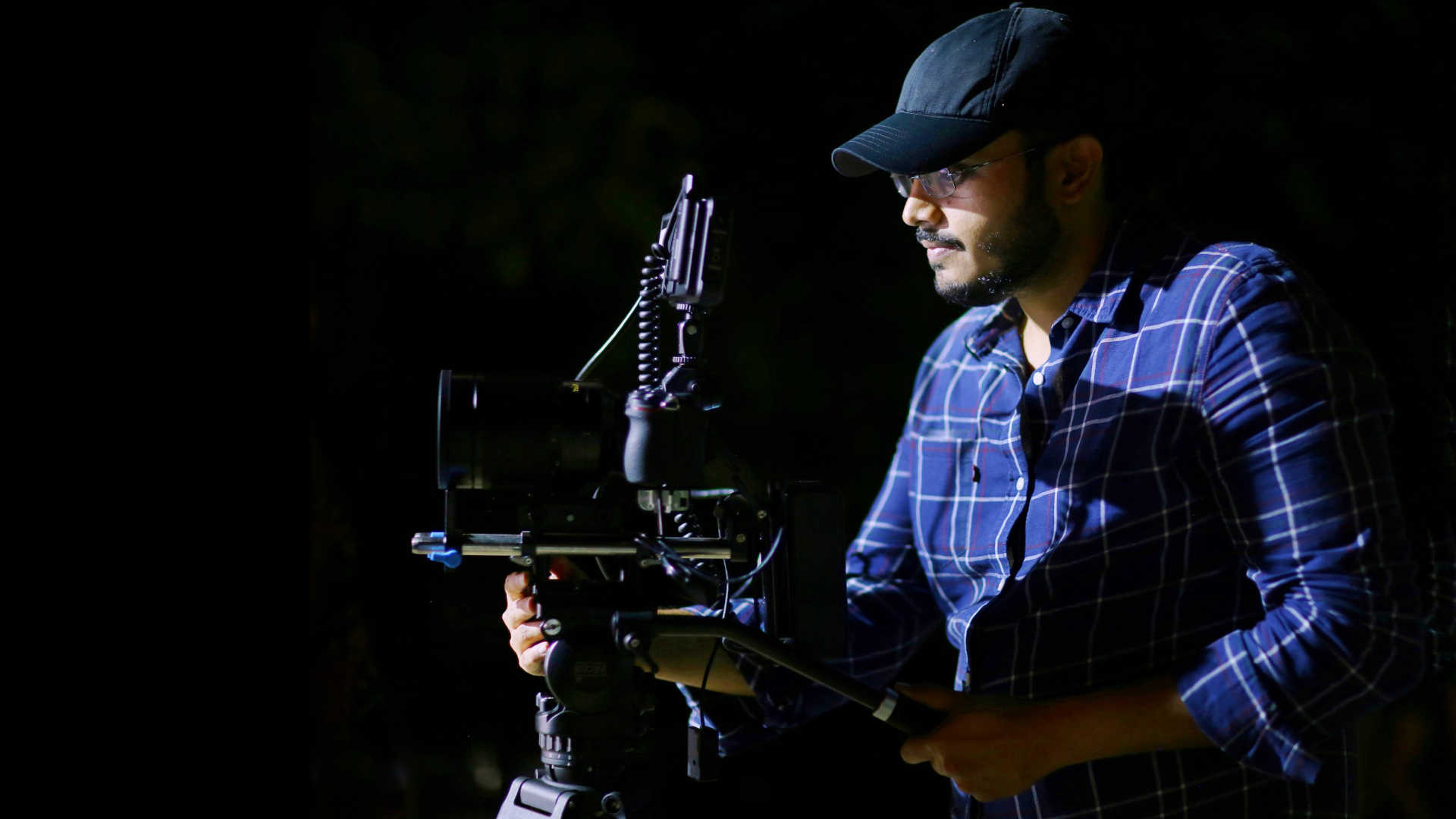
Night shoots slow you down. A ton.
Turnaround pushes the next day late, morale drops, and lighting takes longer. Some union agreements include night premiums in specific situations.
Build extra time into night-heavy weeks rather than aiming for the same pages as daytime. I would easily halve the time, especially if you have many such night scenes. The first one is exciting, the last one is the opposite.
Step 10: Budget tiers and performer rates that affect schedule
SAG-AFTRA agreements set minimums tied to budget. As of the 2025 cycle:
- Basic Theatrical minimum day/weekly for performers: $1,246/day, $4,326/week
- Ultra Low Budget Agreement (<$300K): day performer minimum $249/day
- Moderate/Low Budget tiers fall between, with day rates like ~$421 and ~$783.
If your film is non-union, then whatever the cost of the cast, see how many days of them you can afford and whether you can actually meet the number you’re expecting.
E.g., if an actor costs $1,000 for 10 days of work; but you need him or her for 12 days, that’s a problem. You’ll have to film more scenes per day or raise the budget.
Step 11: A beginner-friendly scheduling formula
Use this four-input approach:
- Runtime (minutes)
- Target ASL (seconds)
- Shoot days (excluding days off)
- Average company moves per day
Then compute:
- Total shots = (runtime × 60) ÷ ASL
- Base shots/day = total shots ÷ shoot days
- Subtract 3–6 shots per company move for truck/load-out/load-in/relight
- Add 1–2 shots/day if multi-camera is available for dialogue coverage
- Subtract 3–5 shots if doing complex blocking or long takes that require extensive rehearsal
Example for a 90-minute dialogue drama, 18 shoot days, ASL 7 seconds, one company move on 40% of days:
- Total shots = 5,400 ÷ 7 = 771
- Base shots/day = 771 ÷ 18 = 43
- After moves and realistic friction, plan 28–35 shots/day.
- Do the same for scenes. If there are 55 scenes, then scenes/day = 55 ÷ 18 = 3 scenes/day.
Step 12: Coverage patterns that save time
- Build a coverage template per scene type. For two-handers in one room: wide master, two clean overs, two matching mediums, two matching close-ups, select inserts. That’s 7–8 setups you can repeat all day by maintaining an axis plan and consistent lighting.
- Shoot geography once. Use a strong master at the top of a location day to bank orientation so you can live in mediums and close-ups later.
- Prelight and shoot back-to-back scenes in the same look.
Maybe this can help:
Step 13: Scene complexity checklist
Rate each scene 1–3 on these:
- Cast count and coverage pairs – you make actor, location and scene breakdowns to help you with this.
- Blocking intensity – only you know how this works. If you don’t have experience, hire a good first AD who will guide you.
- Dialogue density vs. action – same as above.
- Lighting difficulty – have real deep discussions with your cinematographer about this. Don’t ignore their advice, or try to undermine them.
- Sound difficulty – have a discussion with your production sound mixer.
- Company move proximity – the person who can help you with this is the Unit Production Manager
Then slot “3s” early in the week when the crew is fresh. Stack “1s” when you must make up time. I know this is a sad situation where you’re treating your hard earned scenes like commodities – but if you don’t do it you won’t end up with the film you set out to make.
Or maybe worse, you won’t complete the film because you ran out of time or money.
Step 14: Calendar design
Build your calendar backward from your hardest constraints:
- Lock locations and actor availability early.
- Place your most complex scenes on Day 2–3 of each week.
- Avoid stacking night shoots without a reset day. You can’t expect the crew to sleep at 4am and wake up at 8am for the next day (I’ve done this, I’m embarrassed to admit. What happened? Only one person showed up.).
- Protect one contingency day per five shoot days.
- Hold a dark day before the final week so you can adjust pick-ups or reshoot critical beats.
Step 15: Putting it all together
- What’s a good ASL? Who knows but you? Choose 6–8 seconds for a grounded drama unless your aesthetic demands different.
- Set daily shot capacity: 25–35 shots/day for contained dialogue days; reduce for moves or complex blocking.
- Cross-check with pages/day: aim for 4–6 pages/day on a disciplined low-budget shoot; push higher only when scenes are simple and coverage is minimal. When you can push, do so. Complex scenes with a lot of emotion can then take longer. This is how you can nail the performance.
- Don’t waste time lighting and blocking quick shots (actors walking from A to B, master to setup the location, etc.). Not every shot is equal. On the flip side, don’t try to make every shot a painting. Sometimes a single painting takes more time than it takes to film a movie.
- Respect breaks, meal times and rest days.
- Benchmark against real films, and ask more experienced professionals for their advice. Neglecting to do this is dangerous – probably borderline insane.
I hope all this advice is useful for you to create a schedule for the film you can actually make. Always aim to come in before schedule, and you’ll be fine.
