
All lenses have some kind of lens aberrations, even the best ones. Most professional cameras have incorporated some form of correction for these aberrations in the camera.
You’ll find it in:
- Menu B > Page 6 > for the Sony a7S II, and
- Menu B > Page 7 > for the Sony a7R II
With Sony E-mount lenses, you have three settings/aberrations to control:
- Shading Comp. – Auto (this corrects for vignetting) and Off
- Chromatic Aberration Comp. – Auto and Off
- Distortion Comp. – Auto and Off^
Sony’s notes:
-
The amount of light around the edges may not be corrected, depending on the lens type.
-
Depending on the attached lens, [Distortion Comp.] is fixed to [Auto], and you cannot select [Off]^
^E.g., my Sony 28-70mm lens has distortion correction on by default, and it can’t be turned off.
In this lesson we’ll check how the lens compensation works for stills and video. I’ve used the Sony a7R II for this test, but it applies equally to the a7S II and well. Lens is the 28-70mm f/3.5-5.6 OSS lens, at 28mm, 50mm and 70mm.
Distortion
Wide angle lenses distort more than telephoto, so this test was done at 28mm to show you how it works. Note, Distortion Comp. is greyed out, which means it is on by default with this lens.
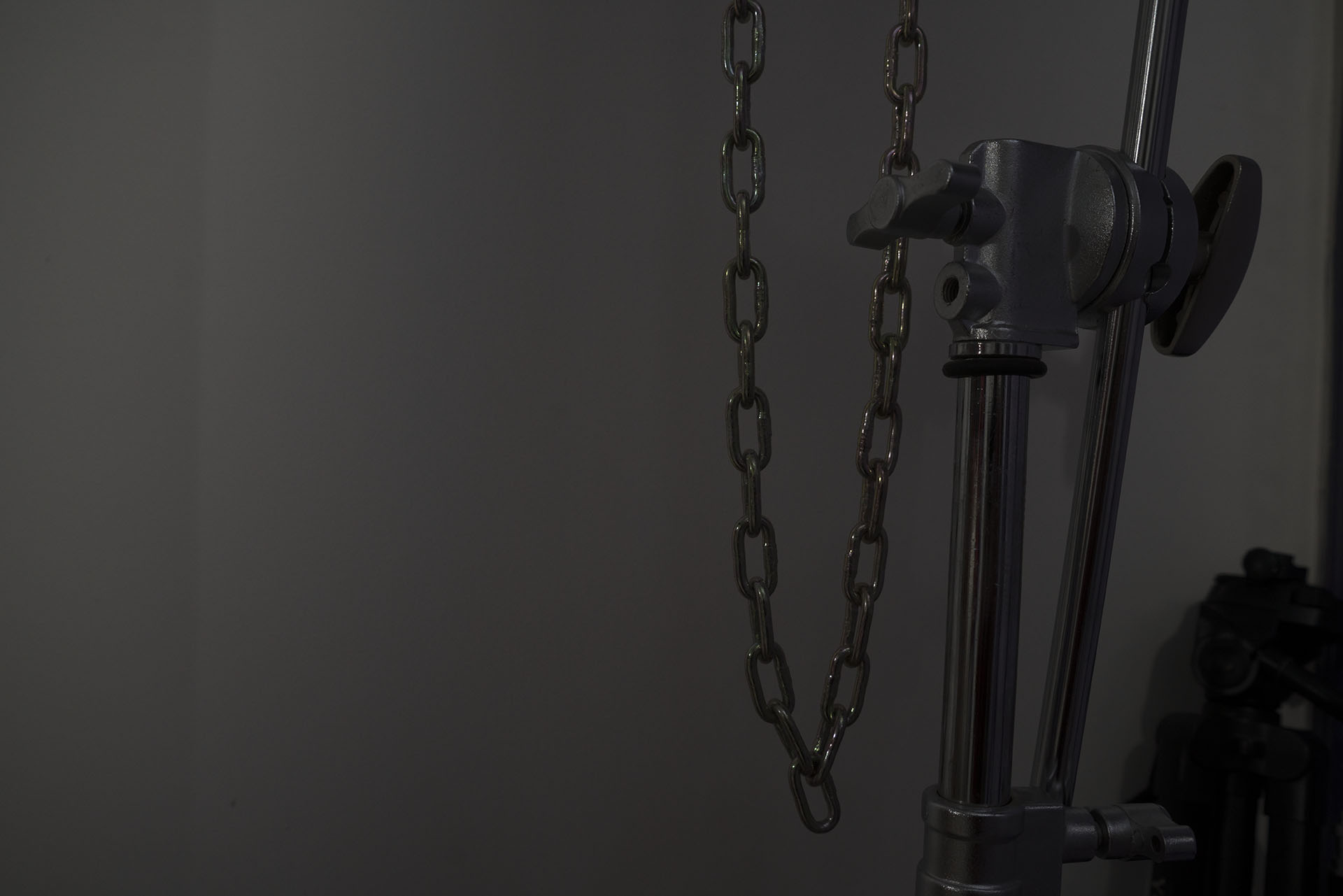
E.g., here’s an image if the distortion were turned off (you can do this if you shoot RAW and then turn it ‘off’ in ACR, just a demonstration):
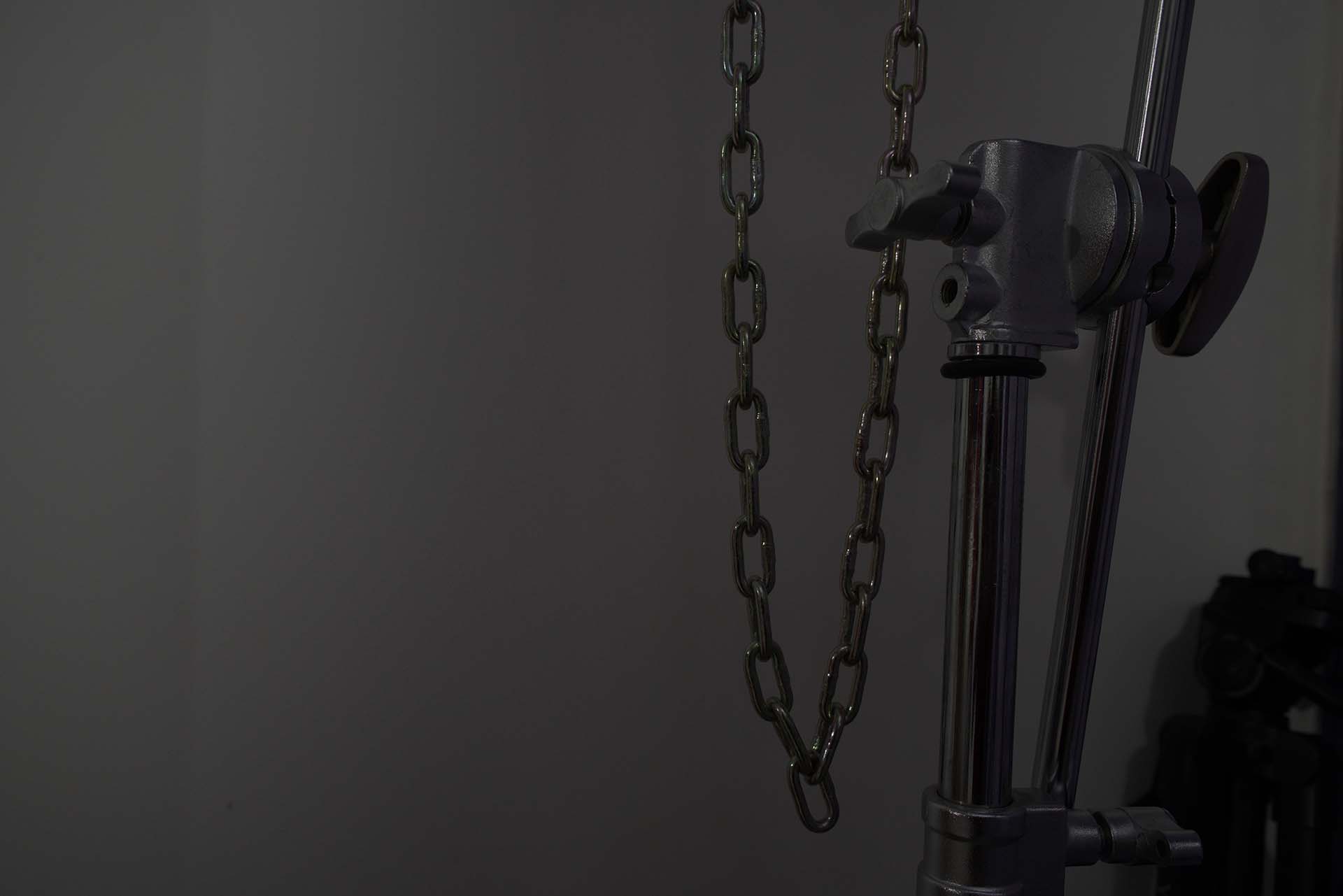
Here’s the corrected version, the one you get in camera without having to do anything:
Finally, here’s a version ‘corrected’ by Adobe Camera Raw using the Lens Corrections tool:

This is what the settings look like:
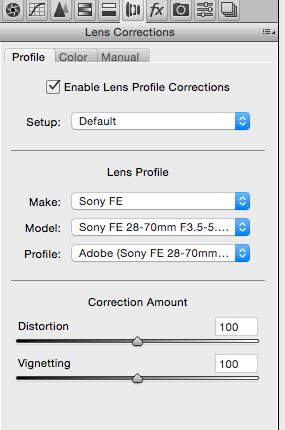
Adobe spends time buying, testing and adding lenses to their database so ACR and Lightroom can do this sort of thing.
Chromatic Aberration
There are different kinds of chromatic aberration, but only one setting in camera: Auto or Off.
Here are three versions, shot at three different focal lengths*:

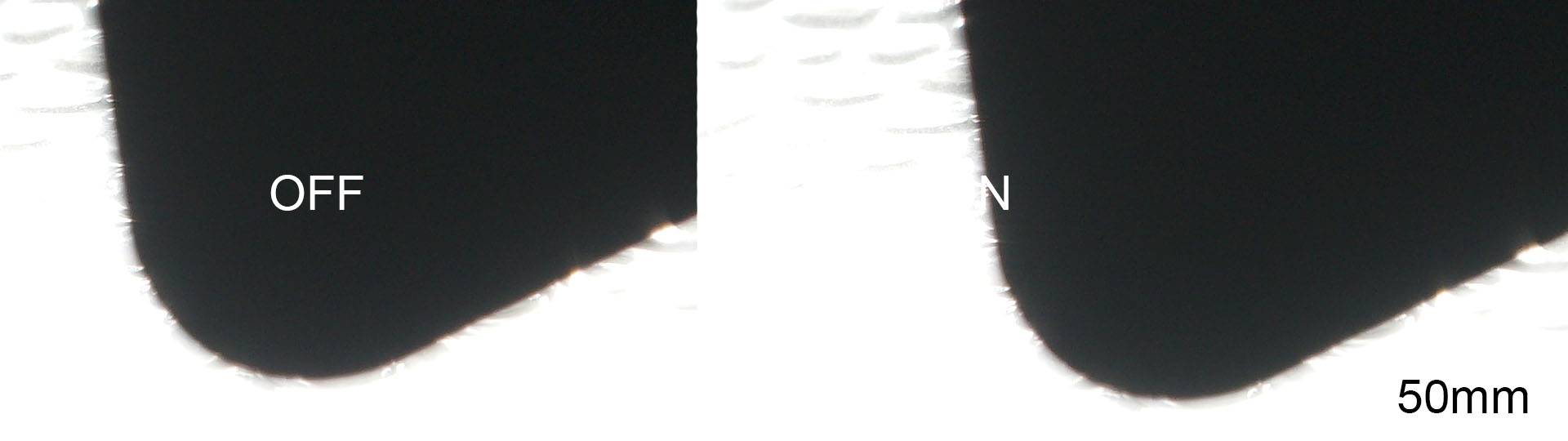
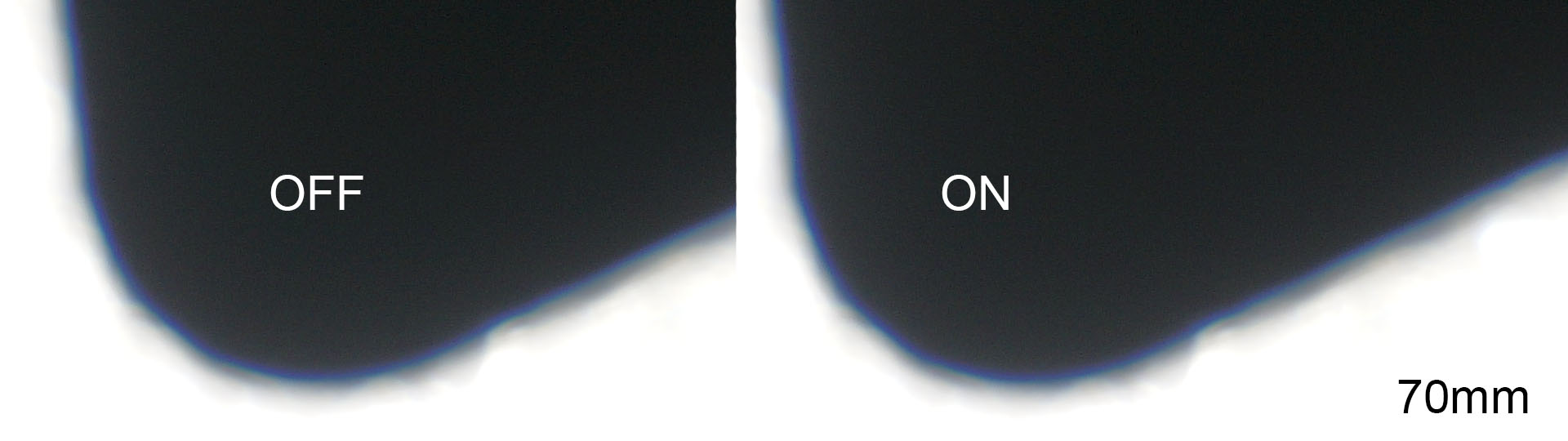
*The lens does surprisingly well for chromatic aberration, even without correction!
You can see the camera does some amount of correction, but not all. This is true of all cameras. If you really needed to get rid of chromatic aberration 100% of the time, your best bet is software – or a different lens.
Vignetting
Finally, you can also remove vignetting to a certain extent using the Shading Comp. setting, to either Auto of Off.
Here’s a test with it off and on:
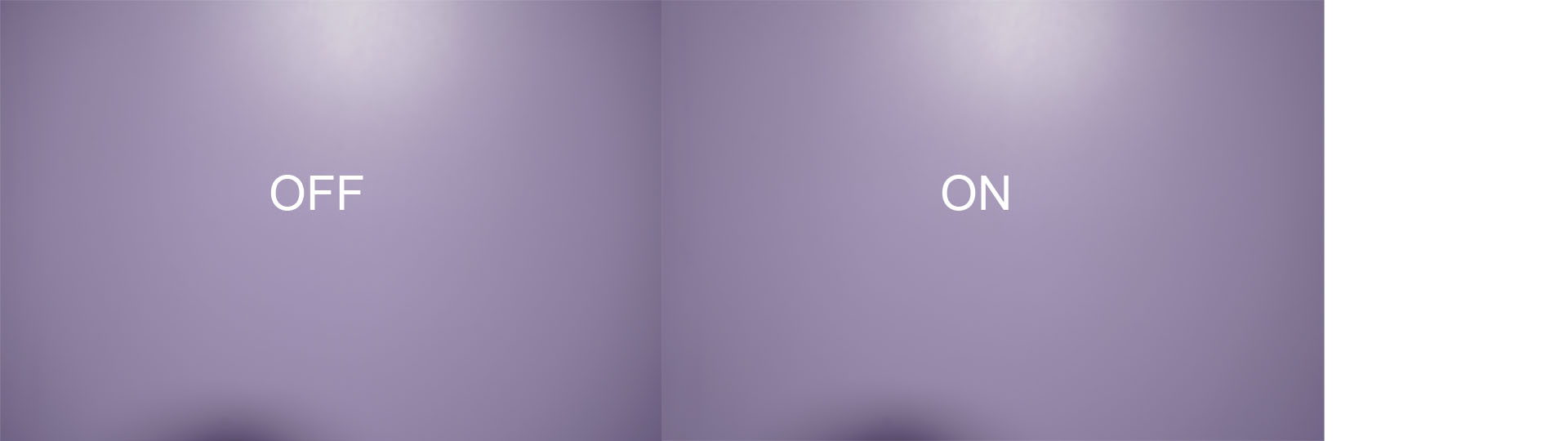
It does get rid of some of the vignetting.
Video
What about video? Do these settings take place in realtime for 4K video? Actually, yes.
Here’s the test for vignetting:
Note: You’ll see a lesser benefit here because the entire sensor isn’t used, and the corners are cropped off.
Next, we have a test for chromatic aberration:
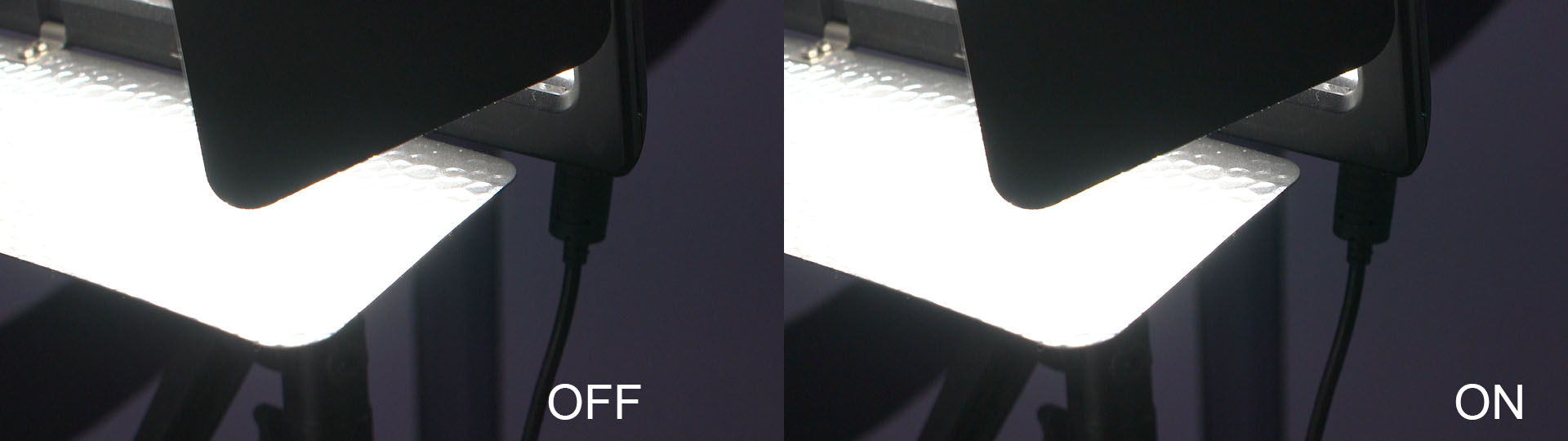
As you can see, there is a benefit.
Takeaways
If you use Sony lenses, you should leave the Lens Comp. settings to:
- Shading Comp. – Auto
- Chromatic Aberration Comp. – Auto
- Distortion Comp. – Auto
In other words, turn it all on. When you use a third-party lens, it is greyed out anyway.
