
Long Exposure NR, when on, works whenever the shutter is above 1 second.
All cameras have a tendency to add noise when the shutter is open for a long time. This might help to reduce it. Once the image is clicked, you must wait until the noise reduction process is over before you can click another picture.
It doesn’t work for continuous shooting, panorama and Multi Frame NR.
Sony’s notes:
-
Depending on the shooting conditions, the camera may not perform noise reduction, even if the shutter speed is longer than 1 second(s).
The tests
I conducted two tests.
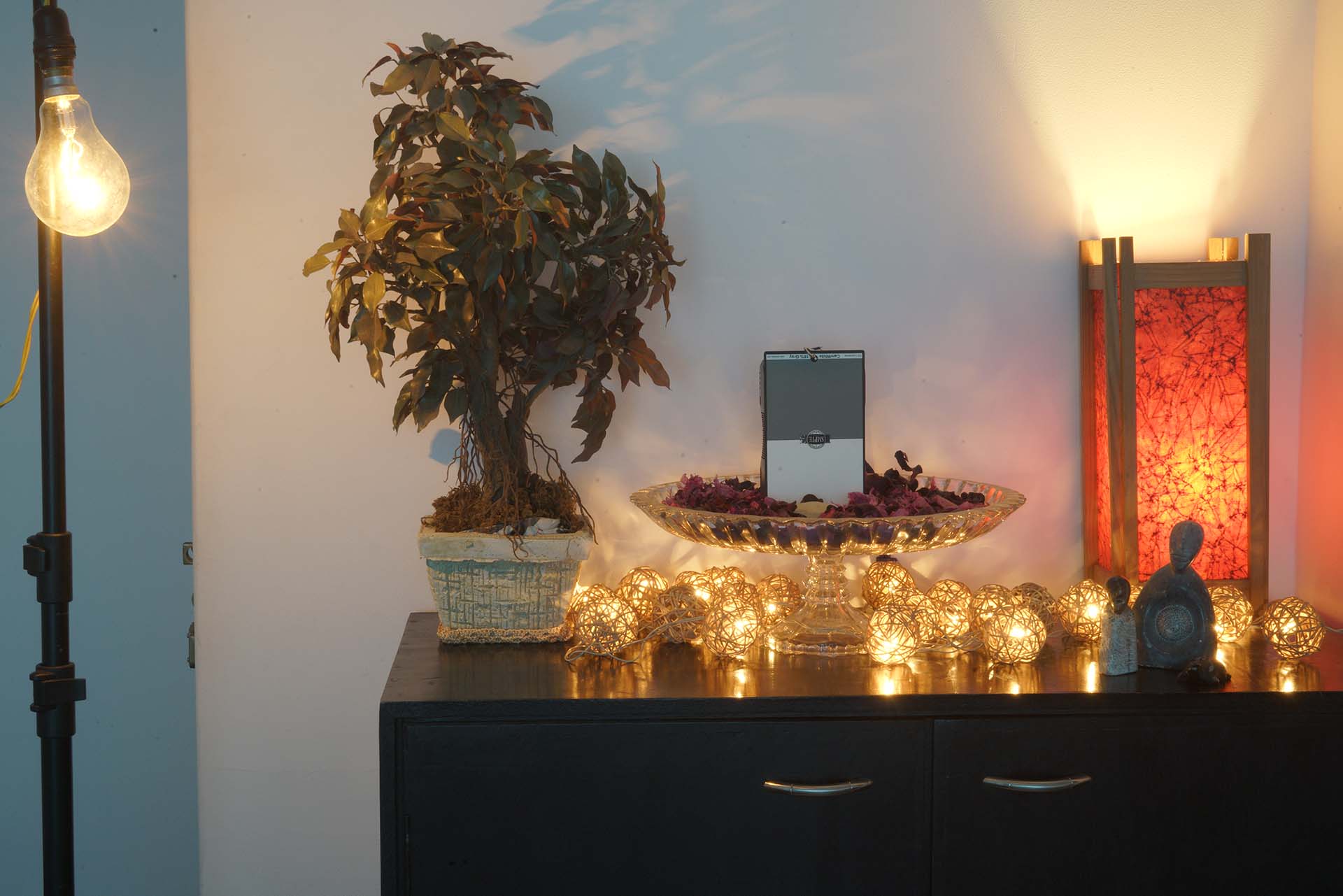
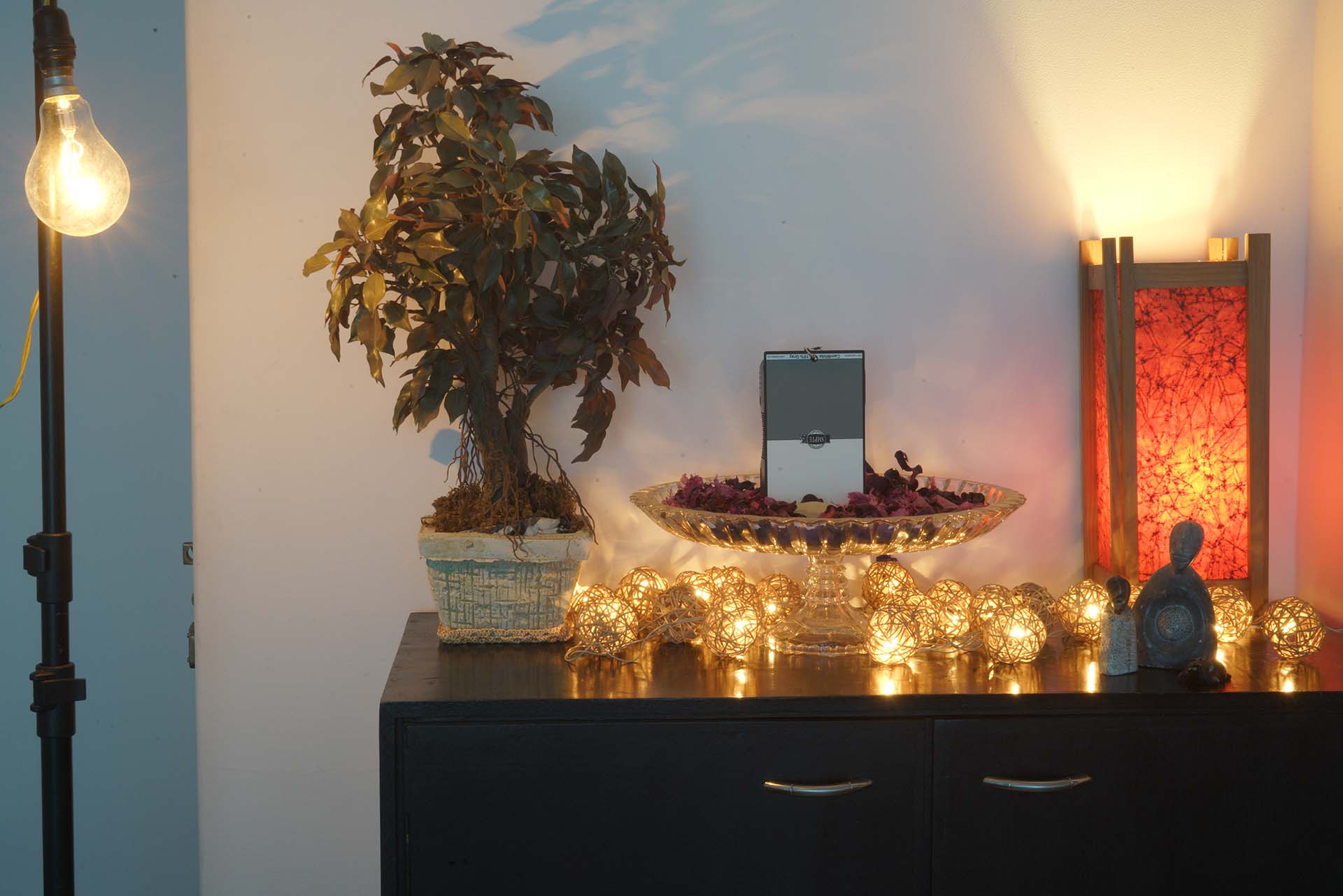
The first is at 13″ shutter, 20,000 ISO f/32 with a 10-stop ND filter; at 51mm on a 28-70mm f/3.5-5.6mm lens. Standard picture profile. X.FineJPEG quality and RAW (developed in ACR with only profile selected, no other changes) 42MP. Multi-metering, underexposed by -0.7EV. Compressed to a small size and Medium quality JPEGs:
On RAW, On JPEG and Off:
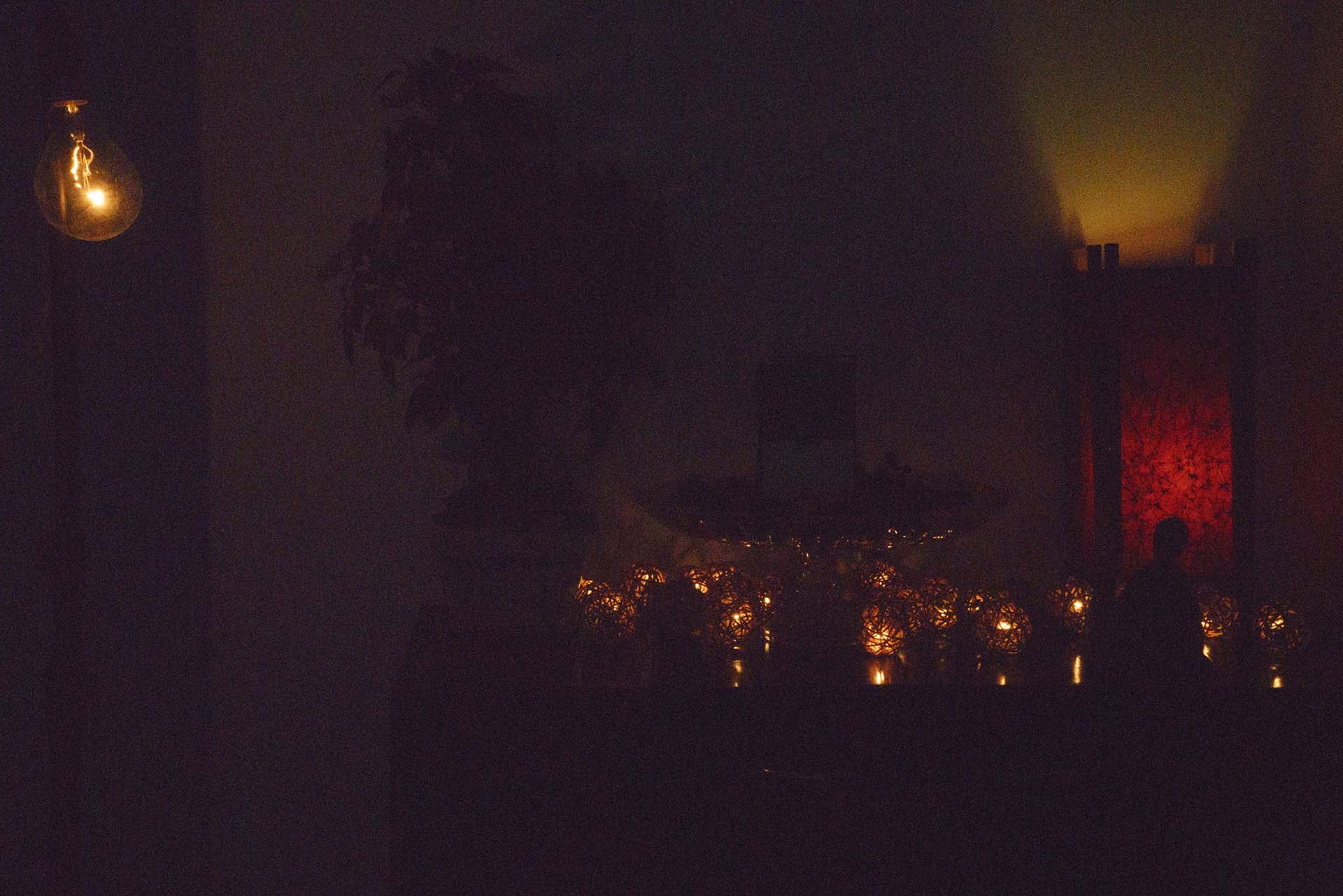
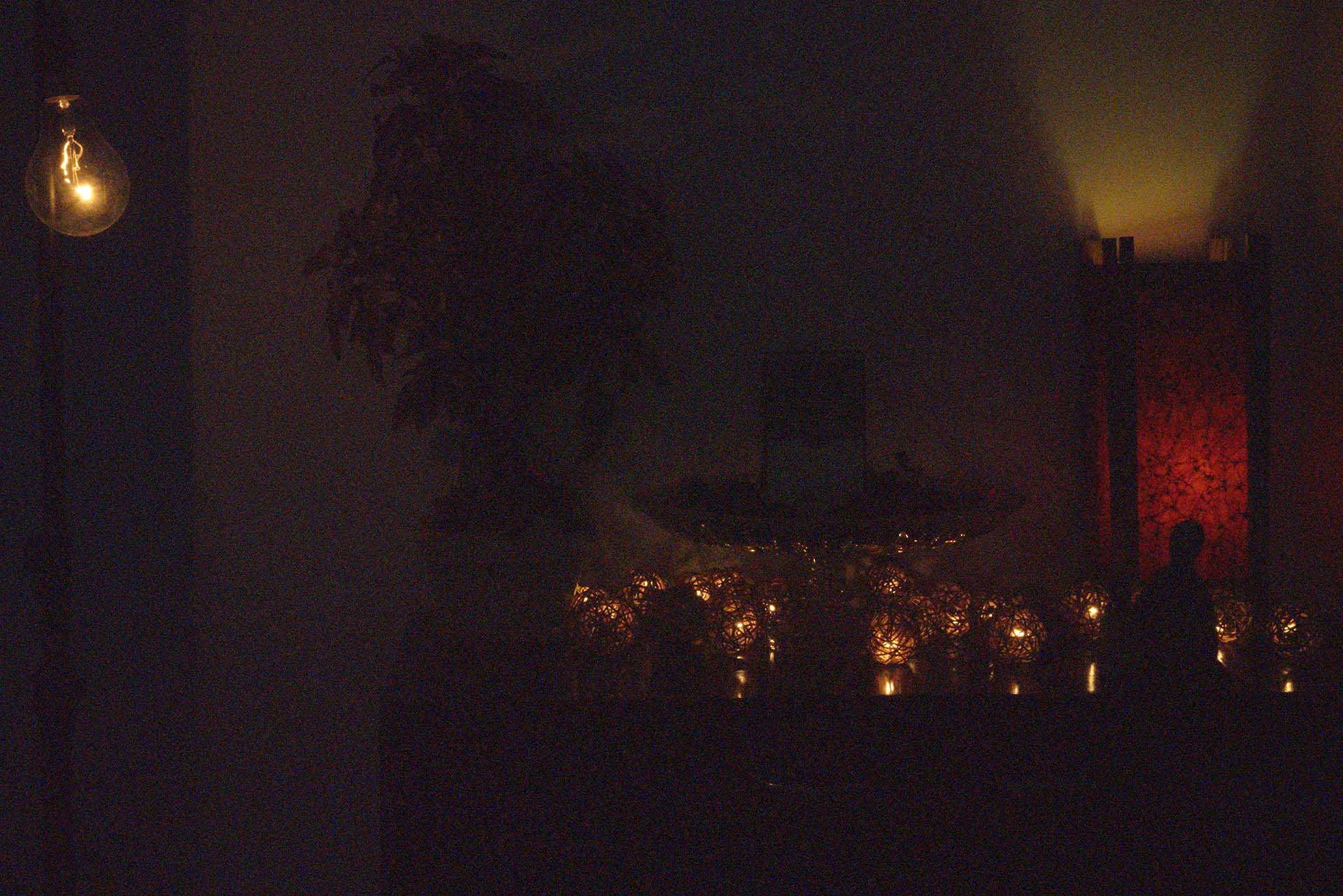
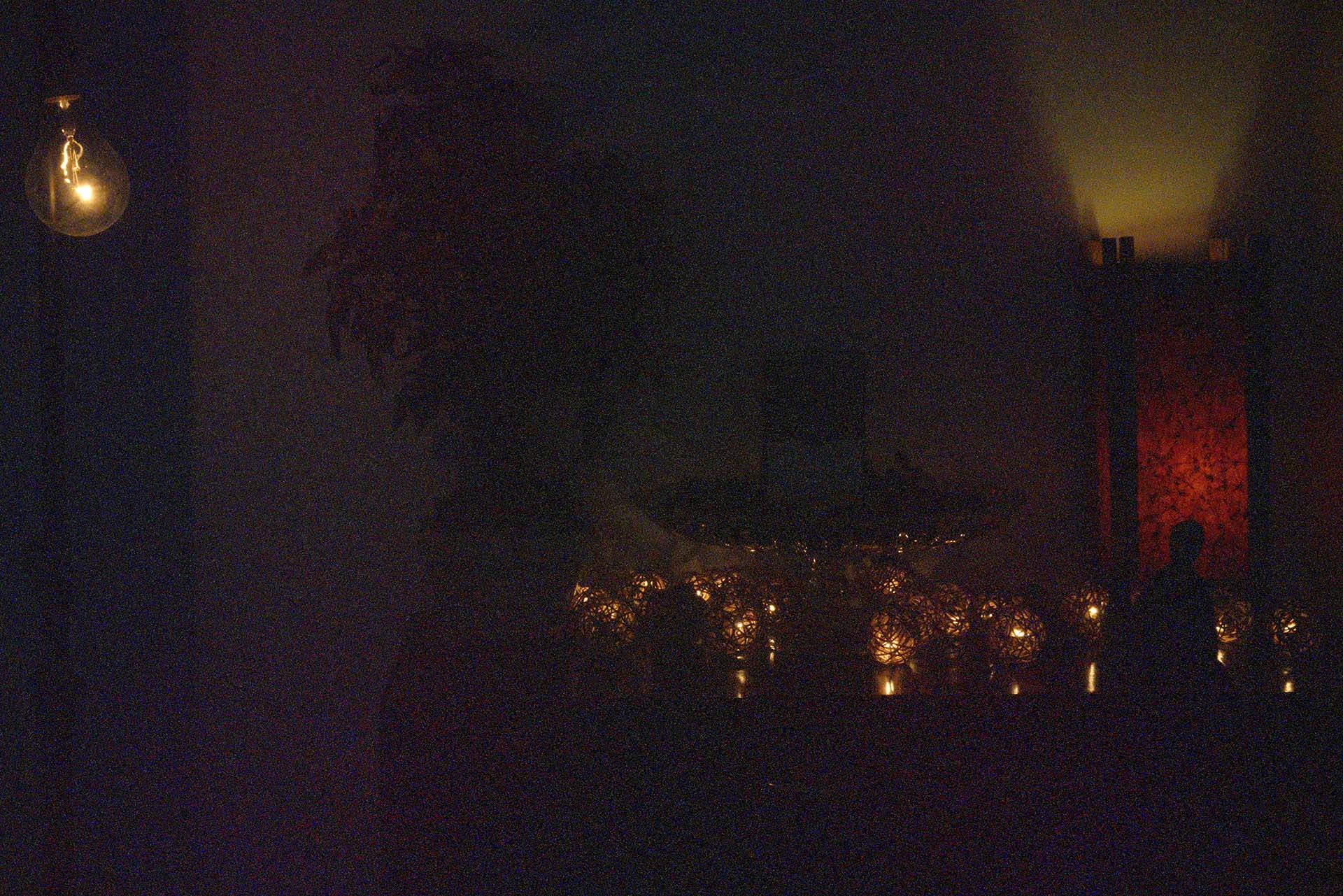
The second is at 5″ shutter, 800 ISO. EXIF – f/32; at 51mm on a 28-70mm f/3.5-5.6mm lens. Standard picture profile. X.FineJPEG quality and RAW (developed in ACR with only profile selected, no other changes) 42MP. Multi-metering, underexposed by -0.7EV. Compressed to a small size and Medium quality JPEGs:
On RAW, On JPEG and Off:
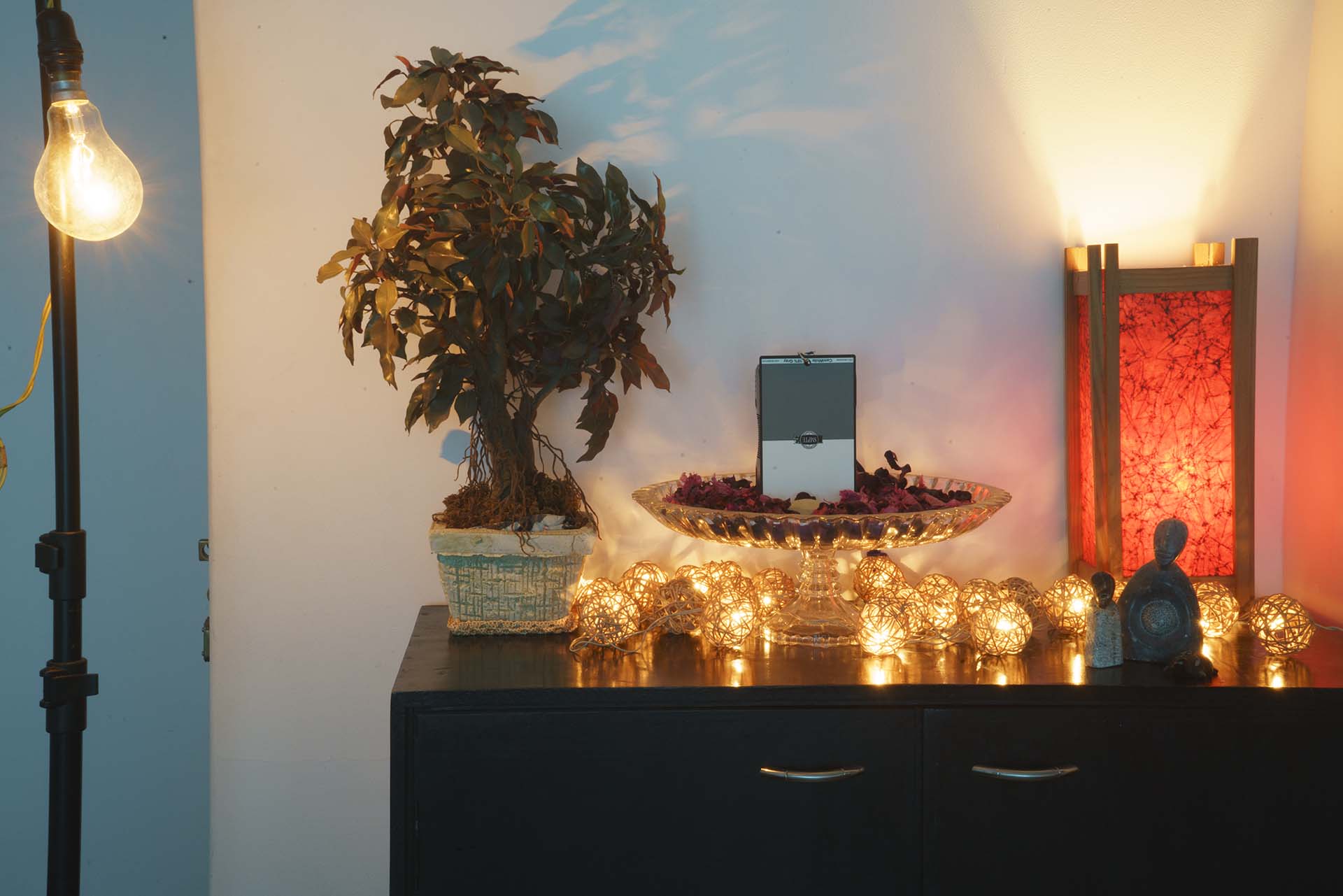
Takeaways
- The lower the ISO, the lesser the need for Long Exposure NR.
- RAW is definitely better than JPEG.
- You can get similar and slightly better and more controlled results with noise reduction in post. The camera doesn’t do away with color noise completely.
Bottom line, if you’re desperate and you’re shooting JPEGs and have absolutely no time in post, choose Long Exposure NR. Everyone else should ignore it.
