

| Review type: Comprehensive |
| List of sponsored/free gear: I was loaned the Nikon ZR by Nikon and commissioned to film a short film for their India launch |
| Did I get paid for this review? No |
| Warning: The findings of this review are based on the particular sample tested, and might not be true of all samples. Even though I’ve tried to be as objective as possible about image quality and usability a large measure of subjectivity and personal preference is inevitable. |
Details about the Nikon ZR
The Nikon ZR (Amazon, B&H) is Nikon’s first foray into cinema camera territory. It is an important camera for them on so many levels, and its price is far lower than any other camera in its class.
The only real question is whether it delivers on its promises. If it does, it’s a hard camera to pass over.
In case you don’t know already, here are the important specifications of the Nikon ZR:
| Feature | Specs |
| Maximum Resolution | 6048 x 3402 at up to 59.94 fps |
| Maximum frame rate | 120 fps in UHD (Cropped, DX) |
| Dual ISO | 800, 6400 |
| Dynamic range | 15+ stops |
| Internal RAW | R3D NE RAW, N-RAW and Apple Prores RAW |
| Other Codecs | Apple Prores HQ, H.264, H.265 |
| Battery | EN?EL15c (EN?EL15a and EN?EL15b can also be used but with less battery life) |
| Battery Life | About 2 hours under regular filming conditions |
| Media | 1x CFexpress Type B slot |
| Monitor | 4? LCD touchscreen |
| Video Connection | Type D HDMI |
| Lens Mount | Nikon Z |
| Audio | 32-bit float, 3.5mm jack |
| Weight | ~630g with card and battery |
Here are the settings I used for my shoot:
| Setting | Setting |
| Resolution | 6048 x 3402 |
| Frame rates | 25 fps, 50 fps and 120 fps |
| ISO | 800 |
| Codec | R3D RAW NE |
| Color | 12-bit* Red Wide Gamut RGB, Log3G10 |
| Media | 512GB Sandisk and Angelbird cards |
| Field Monitors | A 7″ SmallHD and 17″ Sony monitor via a Teradek Wireless system |
| Primary Lens | Cooke Panchro/i FF |
| Other Lenses Tested | Nikon Z lenses: 24-70mm f/4, 50mm f/1.4, 85mm f/1.4, 105mm f/2.8 Macro |
| Adapter | Metabones PL to Z adapter |
| Audio | Not tested |
Now that that’s out of the way, here are my thoughts on various aspects of the Nikon ZR.

Image quality
It’s outstanding for its price, and any camera twice its price.
As you know I’ve shot with most cameras worth shooting with – at any price. Since 2019, cameras have made a long qualitative leap in image quality, beginning with the Canon R5 and Sony a7S III and later Sony FX3. The Blackmagic Pocket 6K Pro also had stellar image quality.
These cameras offered most filmmakers what they’ve been craving for – a film look good enough to be projected in cinemas. All these cameras are also $3,000+, body alone.
However, the Nikon ZR does all that, and more, and cheaper. I would have picked it hands down for my own feature film had the camera been available.
It really cuts very few corners in its image quality characteristics. I was impressed by its low noise floor, highlight roll-off and color science. It is an excellent image to grade on (I used Davinci Resolve Studio).
I taxed the camera in various lighting conditions – harsh sunlight, HMIs, candle light, LED and low lighting situations – and the camera held up well in all conditions. A couple of my friends also tried mixed color lighting and the camera pulled it off well-enough.
It also does well with low light, having a dual native ISO of 800 and 6400. I filmed at ISO 800 exclusively for this project, and used ND filters to control exposure. The predominant T-stop was T2.8. ISO 6400 is hardly practical for most cinematography work, so I didn’t bother testing it.
Bottom line, I wouldn’t hesitate to say the image quality of the Nikon ZR (Amazon, B&H) is on par with a Red Komodo that I reviewed last year. I don’t think most filmmakers will find its image quality wanting – no matter what the project type.
However, all this image quality comes at a price.
The Data Rate
Let me preface by saying: This is something that can be fixed with a firmware update. I believe the firmware I used was version 1, probably a pre-production version.
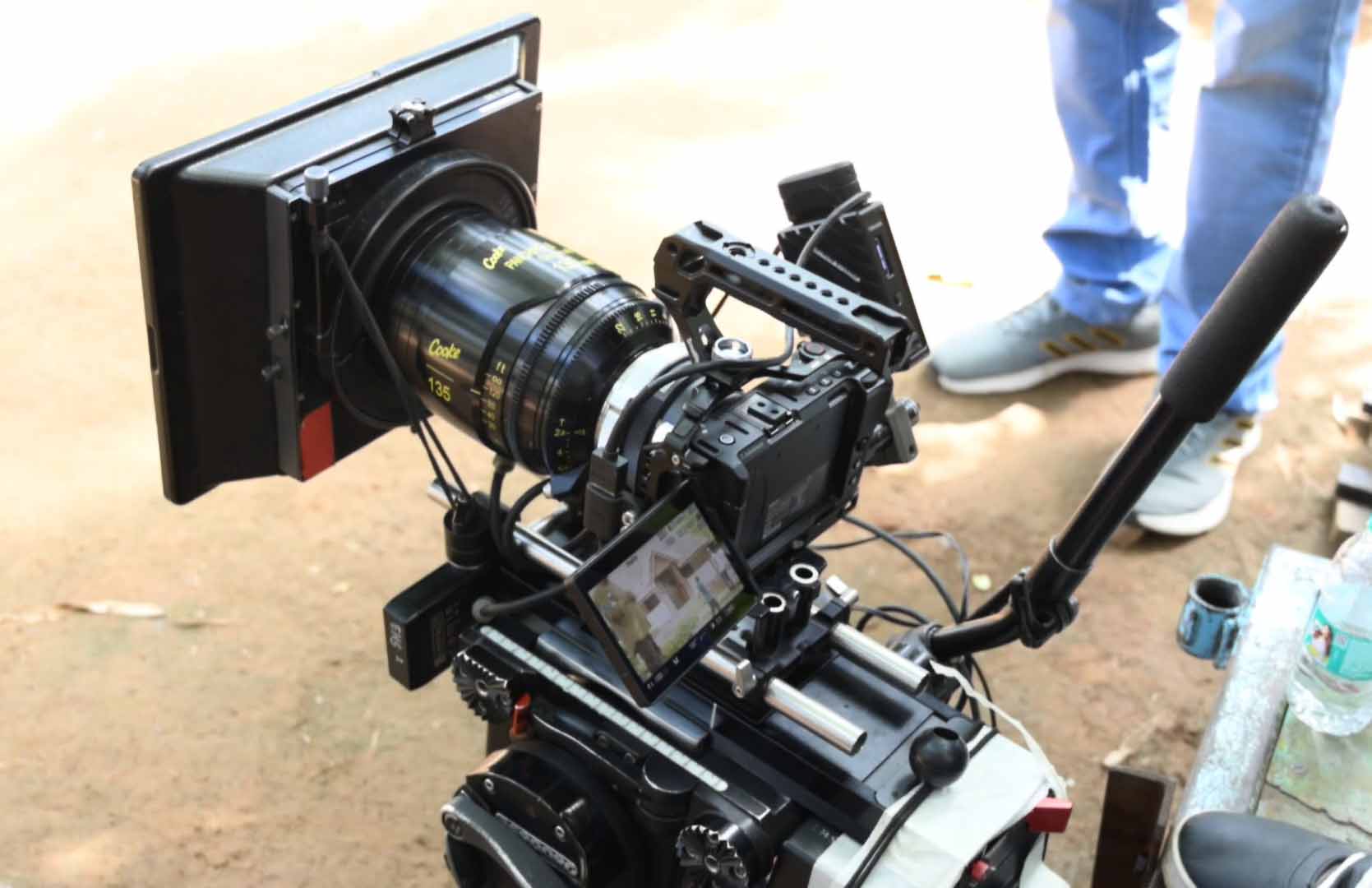
My mandate was to film with R3D NE, and the data rate is about 395 MB/s at 50p, which was the frame rate for most of my footage. This means I got about 22 minutes on a 512 GB CFexpress Type B card. I tested both Sandisk Extreme Pro and Angelbird cards and they both worked flawlessly without overheating or drop outs.
In any case, it’s a lot of data. I think I filled up about three cards over a full day of shooting – about 1.5 TB. And this was for a short 90-second video.
At 23.976, the data rate is 1520 Mbps, or 190 MB/s.
Let’s say you want to film a 15 minute short film at a shooting ratio of 7:1. That’s about 100 minutes of footage – which translates to about 1.1 TB. A 90-minute feature film with the same shooting ratio will require about 7 TB.
To avoid this you can also film in compressed N-RAW instead, though that negates the advantage of having R3D RAW in the first place.
N-RAW and R3D NE film in two separate log modes – N-Log and Red Log3G10. They are not the same, as they have different log curves.
What’s really frustrating is that even though the camera records proxies (in 1080p), the proxies are always N-Log – even if you’re filming R3D! Imagine having to use a different color pipeline when switching from proxy to main codec on your editing timeline!
Rolling Shutter
The rolling shutter performance is really good. There’s hardly any jello skew even when you whip pan the camera. I tried like crazy, and it does a lot better than the cameras I’ve listed above.
I also used flashing and strobe effects with the ZR, and the flash artifacts aren’t terrible either.
I had tracking and handheld work, and the motion renders smoothly and cinematically as far as I can tell. Overall, very impressive.
How good is Autofocus in the Nikon ZR for video?
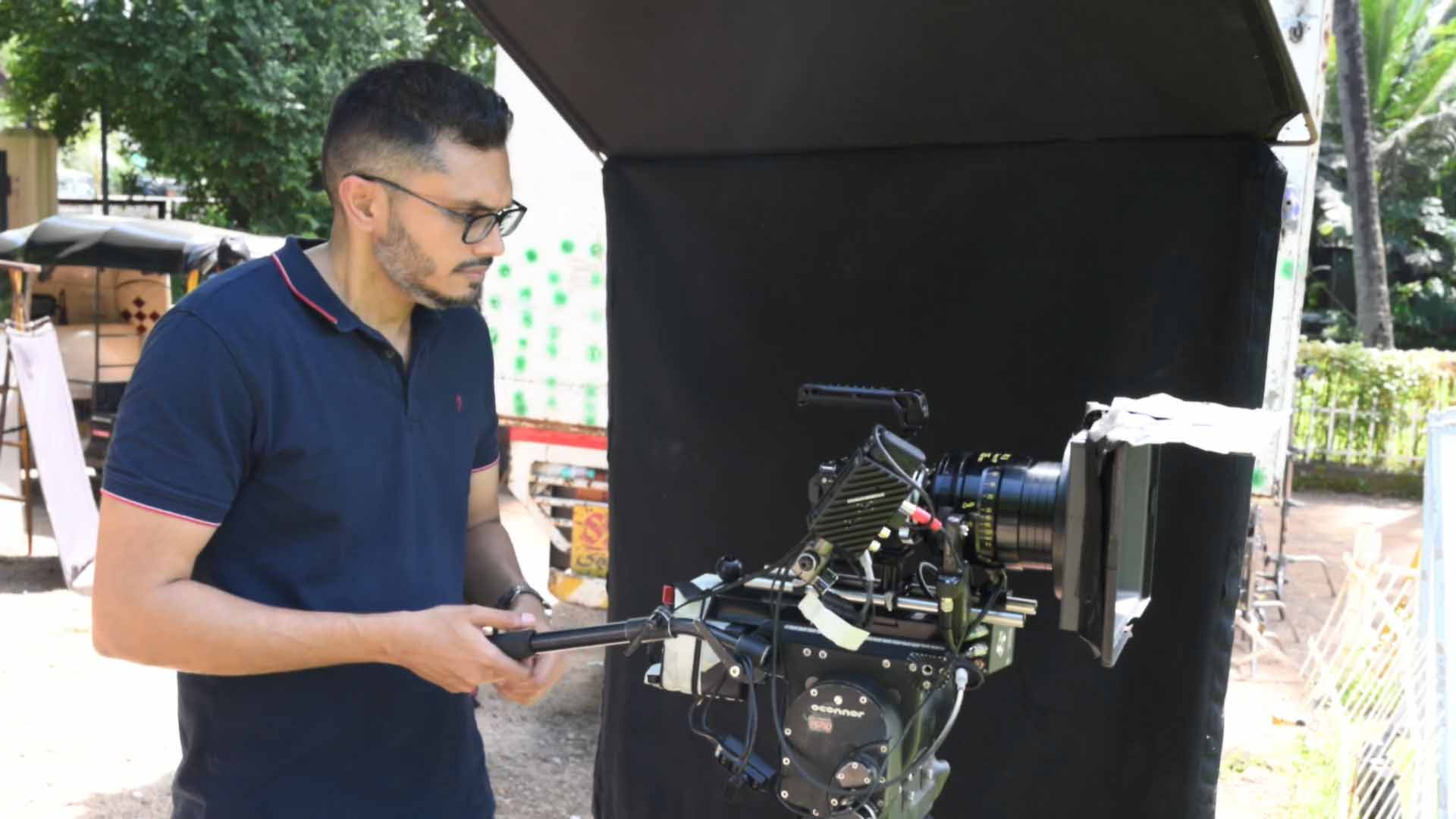
Actually very good, on par with what you get with Sony and Canon. I tested both eye detect and face detect autofocus (AF-F) and it performs admirably when you have to follow a person. This is great for content creators.
However, for cinema work, autofocus in general still is a non-starter. It’s hard to see the eyes of the character you’re filming when their eyes are lit up with two eye-detect AF dots! But that’s just the half of it. AF has a long way to go to be half-way dependable for all kinds of shots demanded in a narrative environment.
But, if you’re coming from Sony or Canon, you’ll be content with the performance of the Nikon ZR.
Workflow
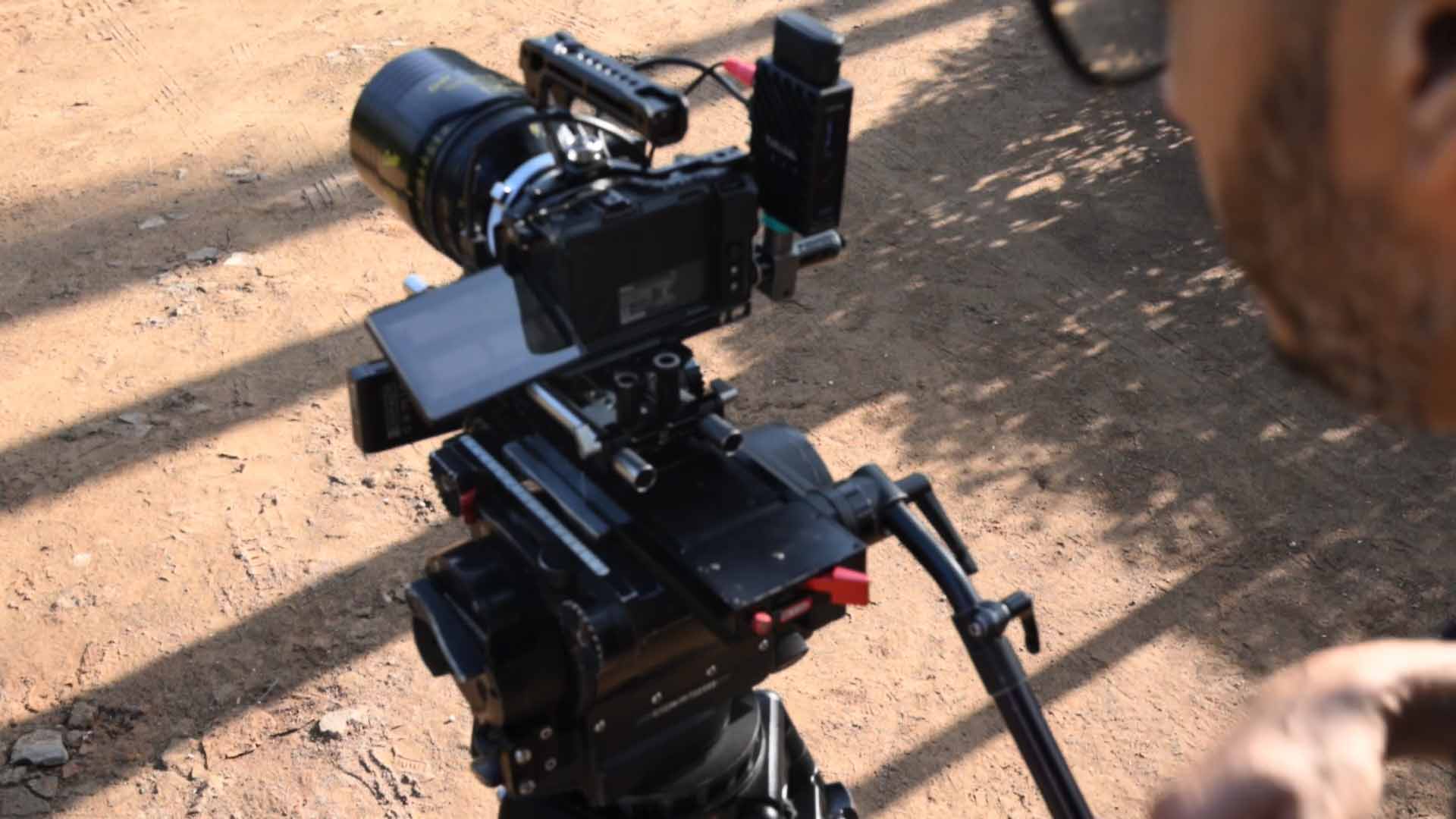
I filmed exclusively in R3D NE, a new codec developed specifically for the ZR. As far as I know you need Davinci Resolve Studio 20.1 and above to read this file, as it is not the standard R3D HQ, MQ or LQ RAW file you get from the Komodo or other Red cameras.
I have no idea why they went out of their way to develop a new codec but it is confusing as hell, especially if the ZR is a B-cam on a production that is using Red’s standard codecs.
However, thankfully, if you have the right software update, the RAW R3D NE file works exactly as a typical Red R3D file, with all RAW settings available in the software. It is a joy to use and grade, just as R3D has been for ages now.
You can use all of Red’s available LUTs directly with this file, and they all look good in the native Red to 709 transfer. I tested Red’s LUT (BASE) as well as Color Transform tools in Resolve – it’s all good and proper. You can also use Red’s creative looks on this file and it works like a charm.
I didn’t test N-Log, except in passing, and it works fine. However, since a lot of the creative LUT pipeline is available for Red, I don’t see the point in learning N-log. It has one advantage though – you get compressed RAW in N-Log (along with uncompressed), so that might be useful to some.
As far as Apple Prores RAW is concerned, it was a non-starter for me, even though Resolve now supports it (what is the world coming to?). You don’t get 6K 60p and 4K 120p in Prores RAW – which is a major head-scratcher. If Nikon doesn’t see fit to have these available, why should anyone bother with Prores RAW? At least I won’t.
The only downside to R3D NE RAW is the data rate. If you can manage that, you’ll be happy with the workflow.
Battery life
Surprisingly good battery life even with RAW filming. I was able to get at least 2 workable hours per battery on a fast-paced film set, on average. We filmed for about 15 hours straight with small breaks. I don’t think we went over 5 batteries.
Also, the camera never overheated, or had an overheating warning, even though I was exclusively filming RAW. And it was hot that day!
The footage did not have inordinate noise either. Overall a really commendable job!
High-speed filming
I filmed in both 6K 50p (base frame rate was 25 fps) and 4K 120p. In the latter mode, the camera crops to DX, which is about a 1.5x crop factor. All 6K modes are available in full frame.
Of course, you can manually choose to film in DX mode if you wish to. Since you can select both shutter angle and shutter speeds you can pick the style you want for any frame rate. The ZR does have a flicker-reduction feature, but I’ve never needed it, so didn’t test it.
I wish it had 6K 120 fps, but for this price I’m not complaining.

Usability
The Nikon ZR is made of tough materials, and the lack of overheating shows some good engineering has gone into the camera.
But, it does come with a few head-scratchers and frustrating design decisions:
- The battery door lever is flimsy and not easy to open, even with long finger nails.
- The CFexpress Type B card slot is next to the battery, under the camera, with very little clearance on one side. This means it’s hard to pull out from the bottom, especially if you’re using a cage or grip. It was really frustrating trying to get the card out of the camera many times. And, there is only one card slot, when most cameras in this class have two slots.
- The main power button doesn’t tell you when it’s off! When it’s on, it turns green. Many times I turned the camera off, but it switched back on in the camera bag. it toggles on or off at the slightest touch.
- The record button isn’t very responsive. Sometimes you have to bang the damn thing multiple times to get it to stop recording. Starting record works better though.
- For a cinema camera, there is no true 24p. What you get is 23.976 fps.
- For a cinema camera, there is no anamorphic desqueeze or framing options in-camera.
- The exposure tools were a disappointment. The Zebras in particular. In most cameras the zebras are based off IRE values. In the ZR they are based off 8-bit code values from 0-255. The issue I had with my particular model is, in R3D NE Log3G10, when I tested the camera, clipped highlights would display Zebras when set to 250 plus or minus 5. However, in the field, the camera decided not to honor that, and i had to reset it to 245 plus or minus 5 to get zebras. Once the production firmware is released, I would need to retest this extensively to declare if I trust the Zebras at all. Obviously the log curve doesn’t go all the way to 100 IRE, but there was no published white paper about the log characteristics of this particular camera. All I knew was middle grey was at 33 IRE as per Log3G10.
- Even though this is a Red-branded camera, neither does it have goal posts or false color for exposure. Why not? I don’t know. But anyone trying to use this camera as a B-cam will find it frustrating to expose and match their main Red camera.
- The waveform display has two modes – super tiny (in the corner) and small (in the middle). The first is unusable, and the second just barely. Just as with other cameras in this class, the waveform isn’t descriptive, and you can barely tell when it’s 33 IRE. I did some extensive testing at home to figure out where my exposure should lie, and I did use a light meter to light my shots. Thankfully, the shots turned out okay (I’ve been doing this for while).
- You can’t export the LUT look via HDMI. It only outputs log, so whatever monitor you use must be able to import LUTs.
- Again for a cinema camera, the shutter and aperture dials are so tiny. They are in the same spot you’d find on a typical photo camera, but their size makes it hard to reach and use.
On the other hand, there are positives:
- The 4″ LCD is large and the touchscreen is super-responsive. It never lagged on me.
- The menu and buttons on the camera are customizable. I don’t think anyone will find it hard to customize and operate the ZR.
- The light weight of the camera makes it easy to handhold and operate. Add Nikon Z lenses, also known for being light, and you’re looking at the lightest full frame cinema camera system out there.
- You get 32-bit float audio – which content creators, wedding filmmakers, documentary filmmakers and low budget filmmakers will love.
In a nutshell, here are the pros and cons:
| The Good | The Not-So-Good | The Bad |
|---|---|---|
| Image Quality | Data Rate is too high | Battery door |
| Rolling Shutter | Buttons not as tactile | On-off button |
| Dual ISO | Record button not very responsive | CFexpress Type B card slot location and clearance |
| Color science and workflow | Type D HDMI port | Zebras are 8-bit code bit values, and are inconsistent |
| Battery life | Single card only | Red Electronic ND not supported |
| Did not overheat once | Waveform is not easy to read in the field | |
| Large LCD screen | No true 24 fps |
Would I recommend the Nikon ZR?
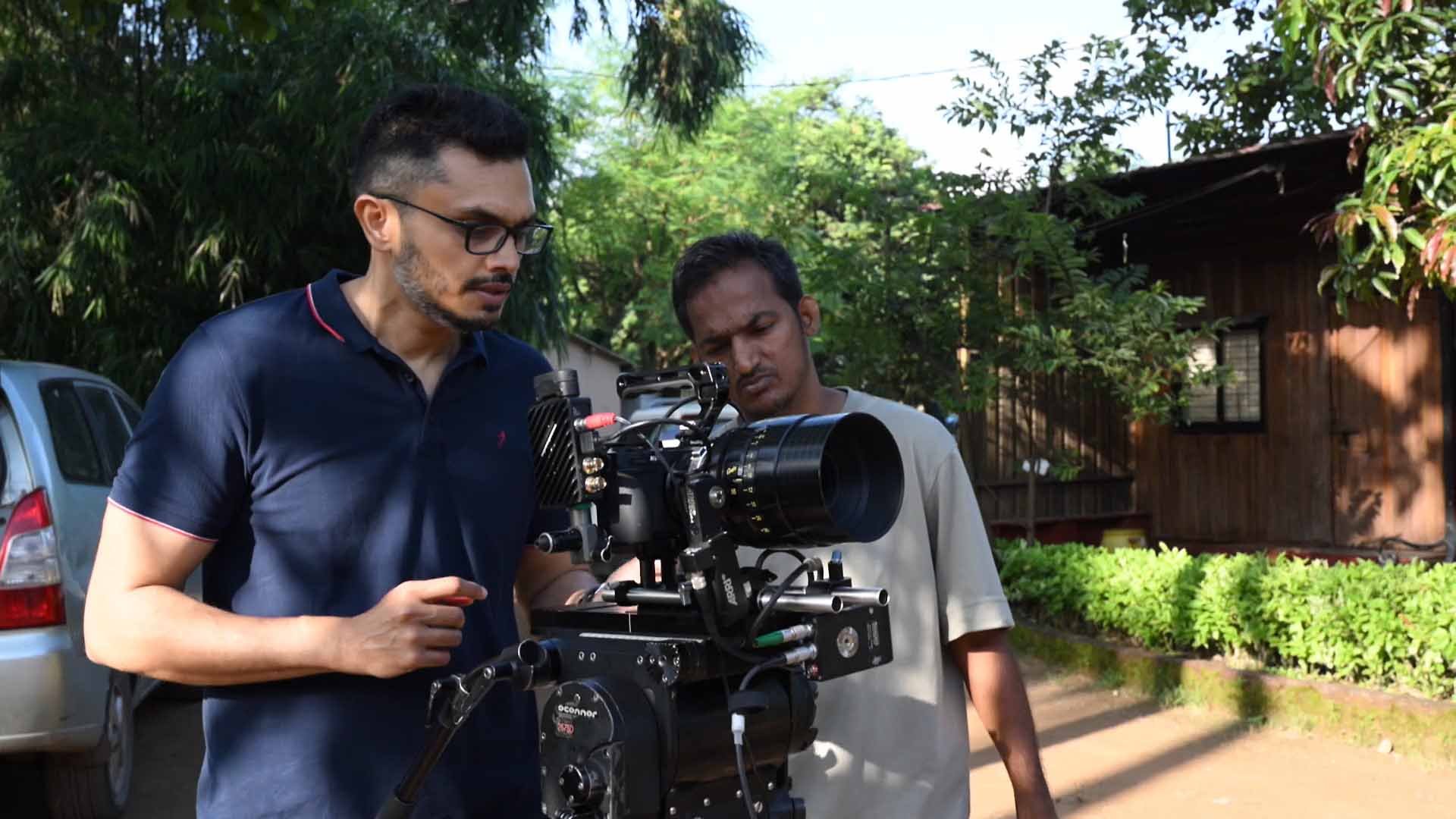
Absolutely! 100%.
None of the flaws in the Nikon ZR (Amazon, B&H) are deal breakers. I’m sure some of the issues can be addressed with firmware updates.
In a nutshell, what you get is incredible image quality for an unbeatable price. In this market, the Nikon ZR is mind blowing value for money. Even the Z-mount lenses are great lenses – lightweight with excellent optical performance. If at all there is resistance to buy it, I can only see it from those filmmakers who have already invested heavily in Sony or Canon glass.
The target markets for the ZR are content creators, wedding filmmakers and general narrative filmmakers. And they will all be happy with this camera. I hope Nikon continues to update the camera and iron out some of the issues. I would be surprised if it isn’t a successful camera for Nikon in terms of sales volume.
I hope you found this review useful. If there’s something specific you’d like to know that I’ve missed out, please let me know in the comments below.

thank you for the great review and detailed information.
i’m fine with most of the zr’s weak spots — for the size and price, i can work around them.
but it needs true 24p,
and something not mentioned:
it needs real windowed z-raw — 1:1 pixel readout / progressive crop like red or arri (no oversampling).
4k 120 dx already proves the hardware can do it — so why not 24 p, and why not lower resolutions like 3k or 2k, as every red camera has offered for years?
we don’t always need to shoot 6k full-frame, especially with a camera like the zr.
windowed raw lowers data rate without losing quality — and that’s what would make the zr a true documentary or b-cam beside a main red.
i guess what i’m asking for is just a firmware update — if they change these things, then i’m nikon red.
You’re welcome! It’s definitely something they can add as a firmware update.