
Typically picking the resolution should be a simple process, but there are some important quirks in the Pocket 6K you should be aware of.
First, here’s a complete list of resolutions:
| Resolution | Max. frame rate |
| 6144 x 3456 (6K) | 50 fps |
| 6144 x 2560 (6K 2.4:1) | 60 fps |
| 5744 x 3024 (5.7K 17:9) | 60 fps |
| 4096 x 2160 (4K DCI)* | 60 fps |
| 3840 x 2160 (Ultra HD)* | 60 fps |
| 3728 x 3104 (3.7K 6:5 anamorphic) | 60 fps |
| 2868 x 1512 (2.8K 17:9) | 120 fps |
| 1920 x 1080* | 120 fps |
*The Pocket 6K cannot record 6K Prores, and cannot record 4K BRAW.
First, let’s look at which 6K flavor I recommend:
6K
Take a look at these images:
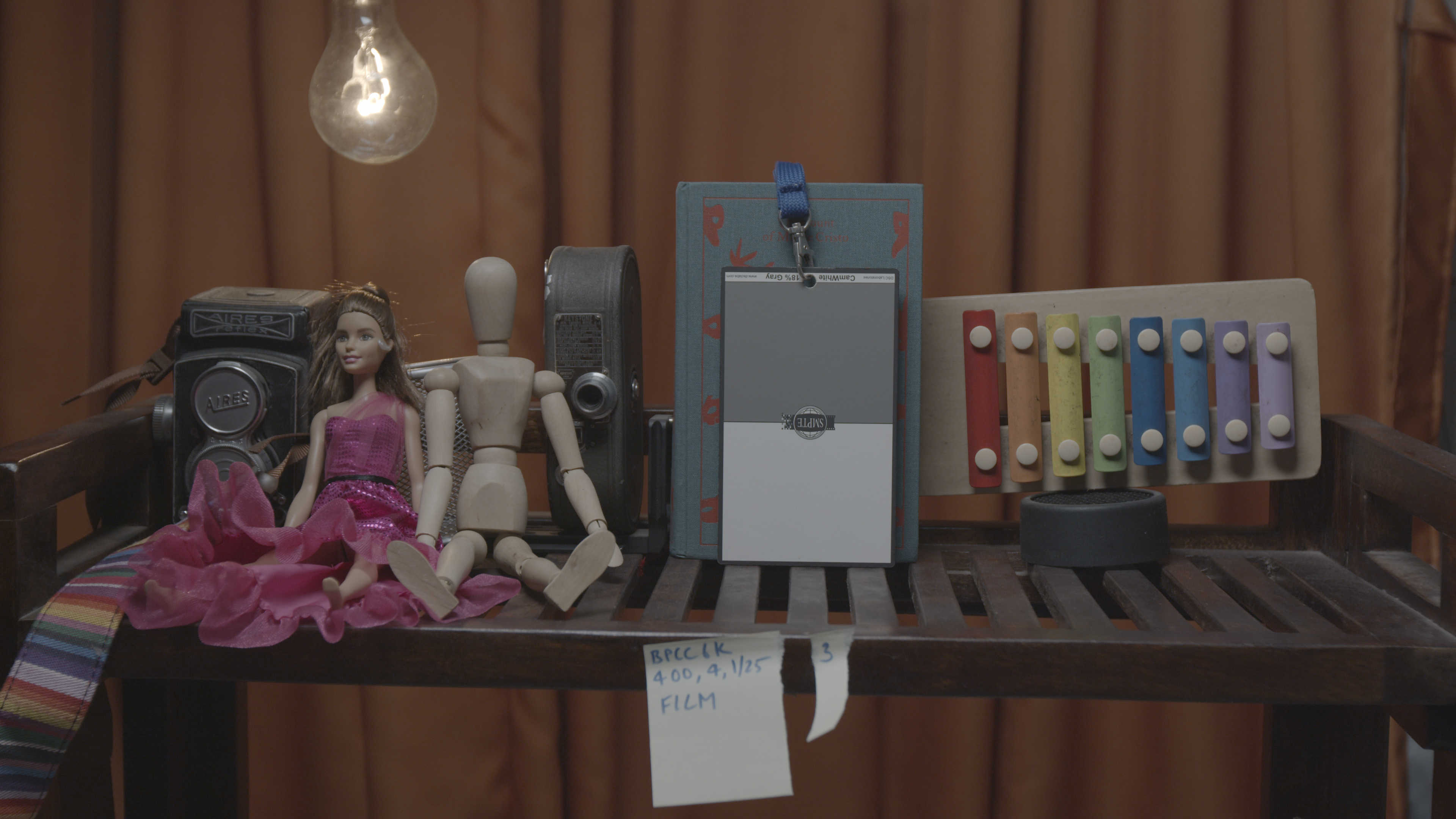
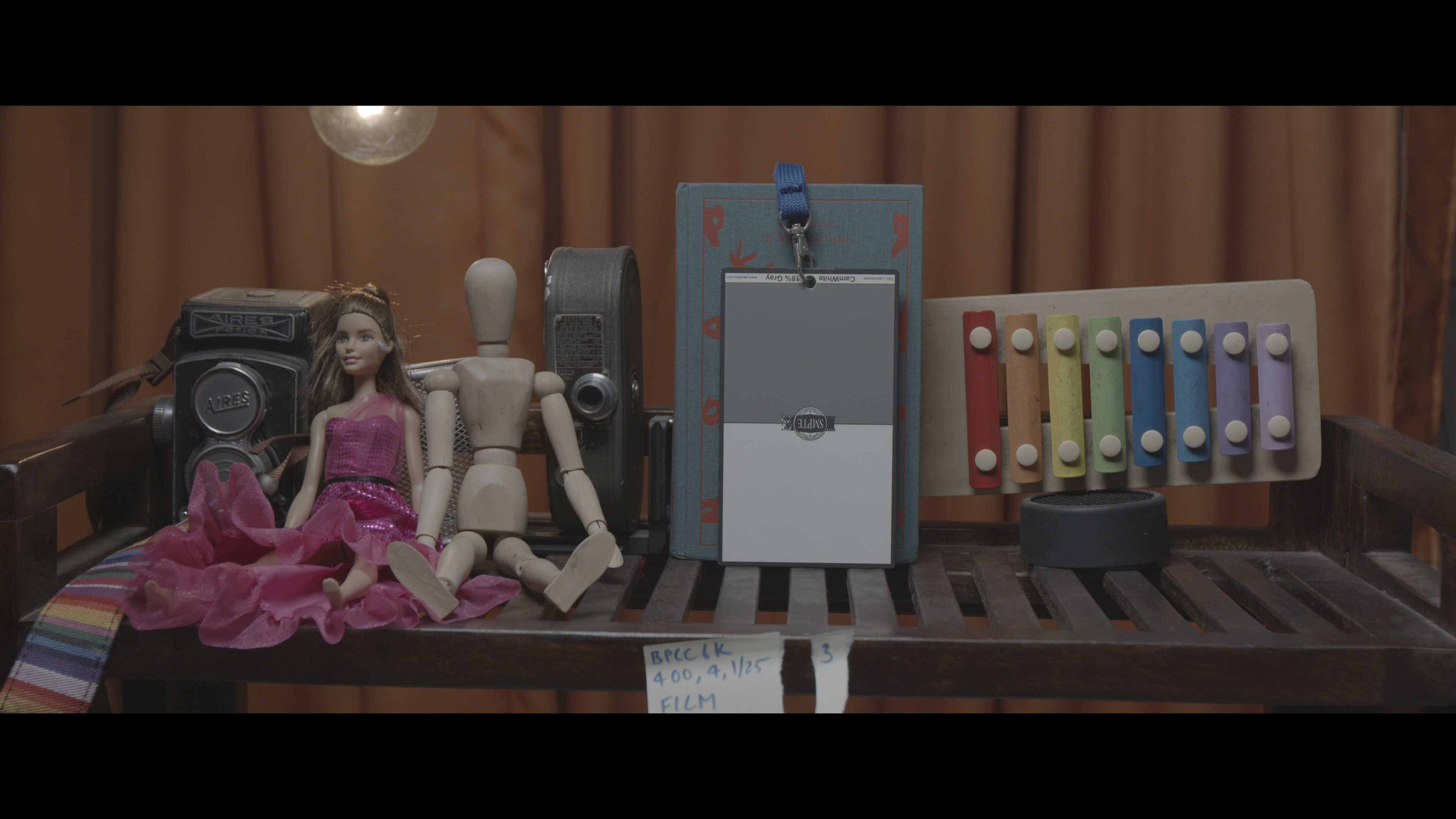
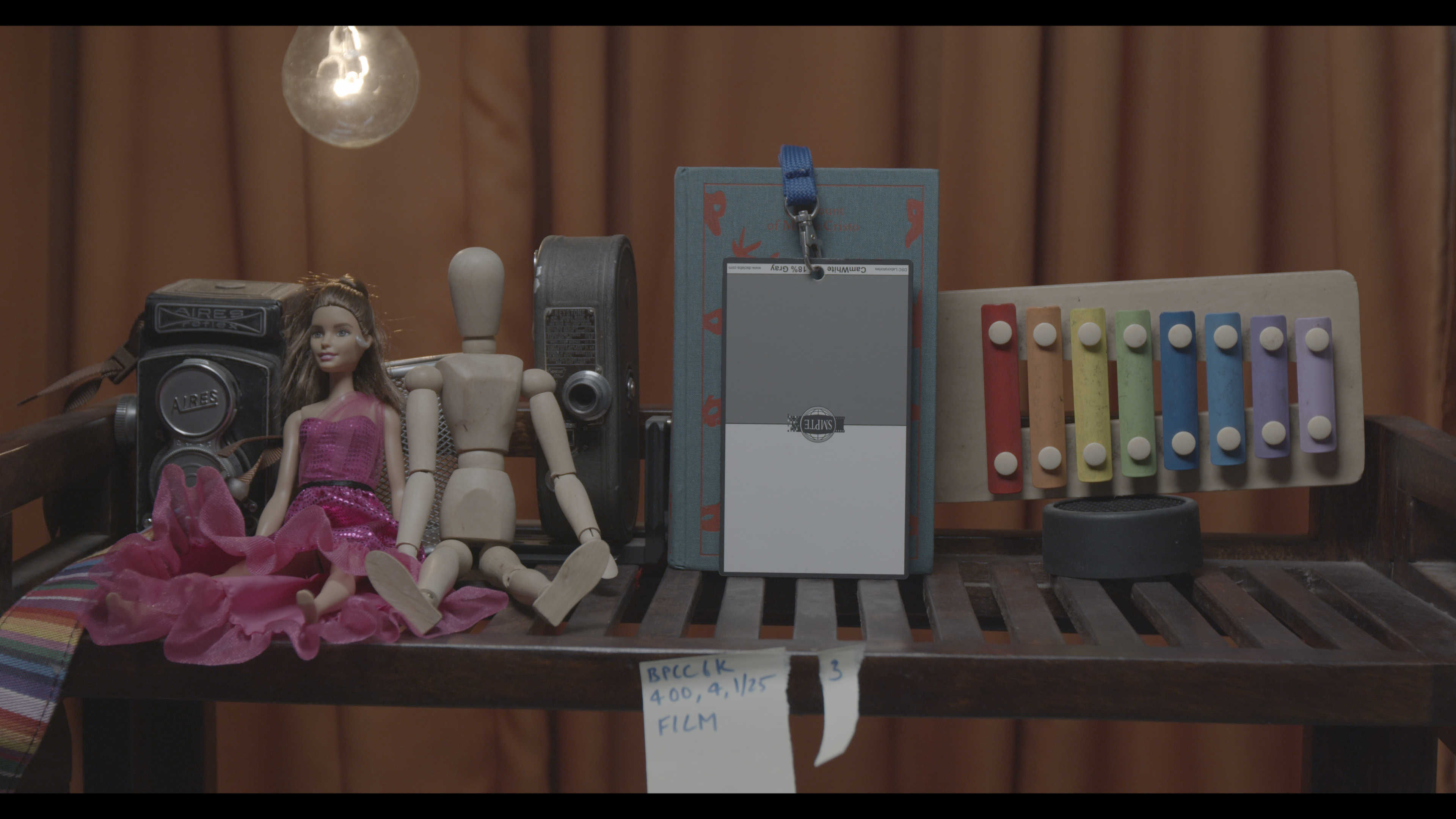
If you want to shoot 2.4:1, you’re better off shooting 6K full frame and masking it. You get the advantage of having extra headroom so you can follow the action and tilt up/down later.
As for 5.7K, I don’t recommend it because as you can see, there’s a crop. Why not take advantage of 6K full frame and have the ability to crop later? Also, this extra resolution is helpful to stabilize footage as well.
Which 6K to pick?
Pick 6K full frame 6144 x 3456 always.
4K
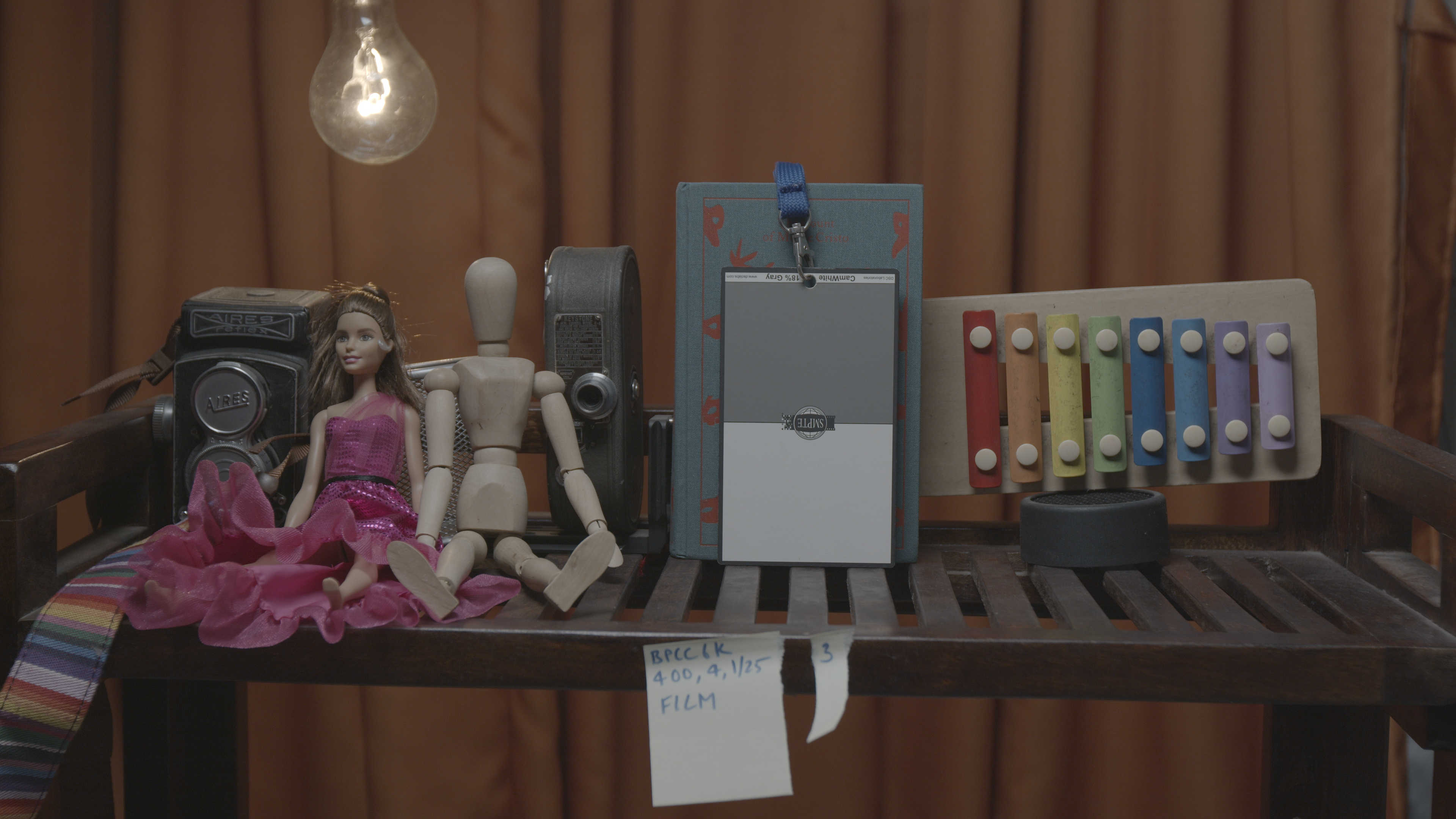
4K isn’t simple either. Here are the stills:
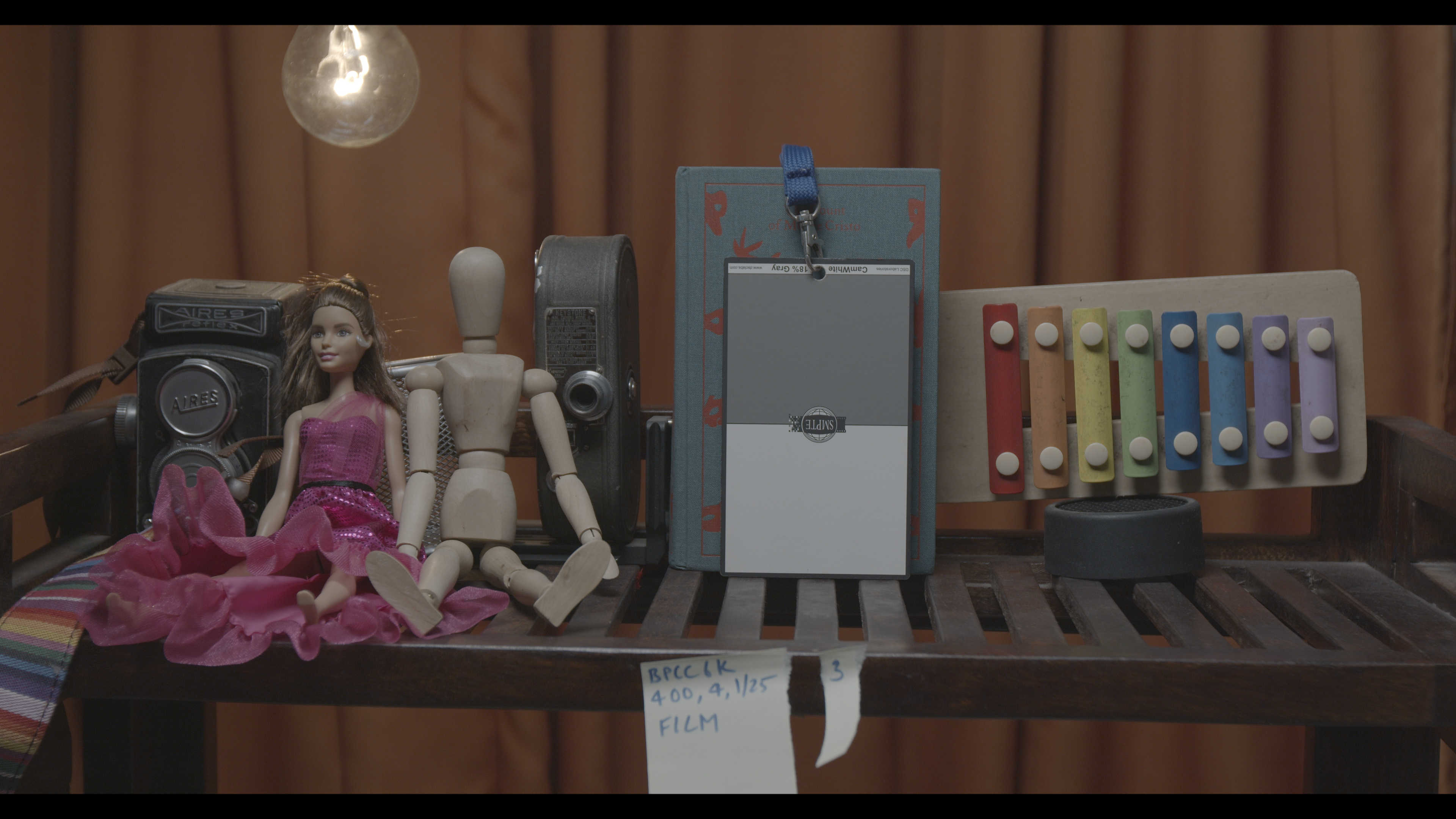
Which 4K to pick?
Did you notice the crop in DCI 4K? That is so weird. If you’re shooting 4K I recommend you pick UHD, because YouTube prefers that as well.
2K or 1080p?
Okay, this should be easy right? Nope:
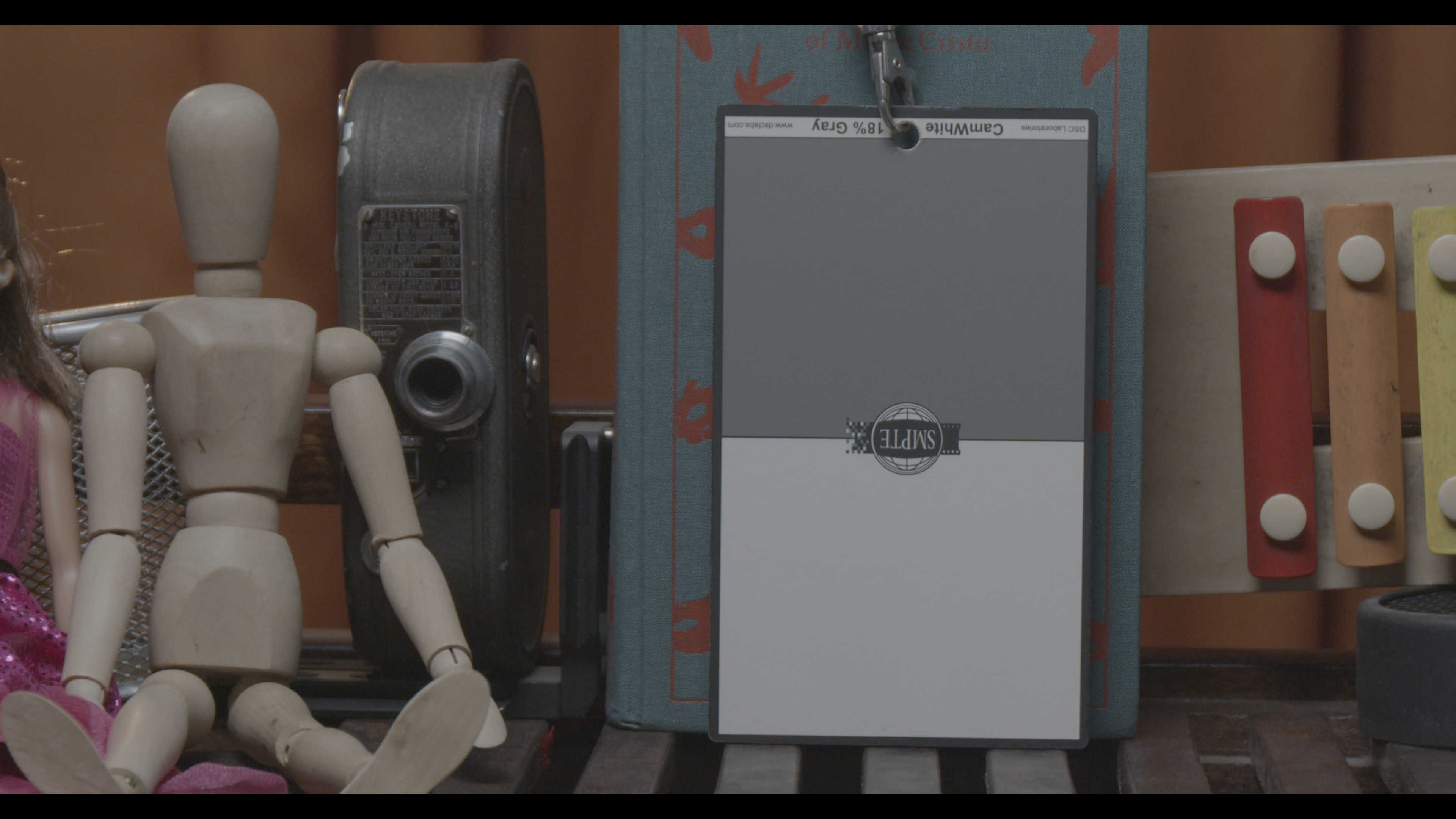
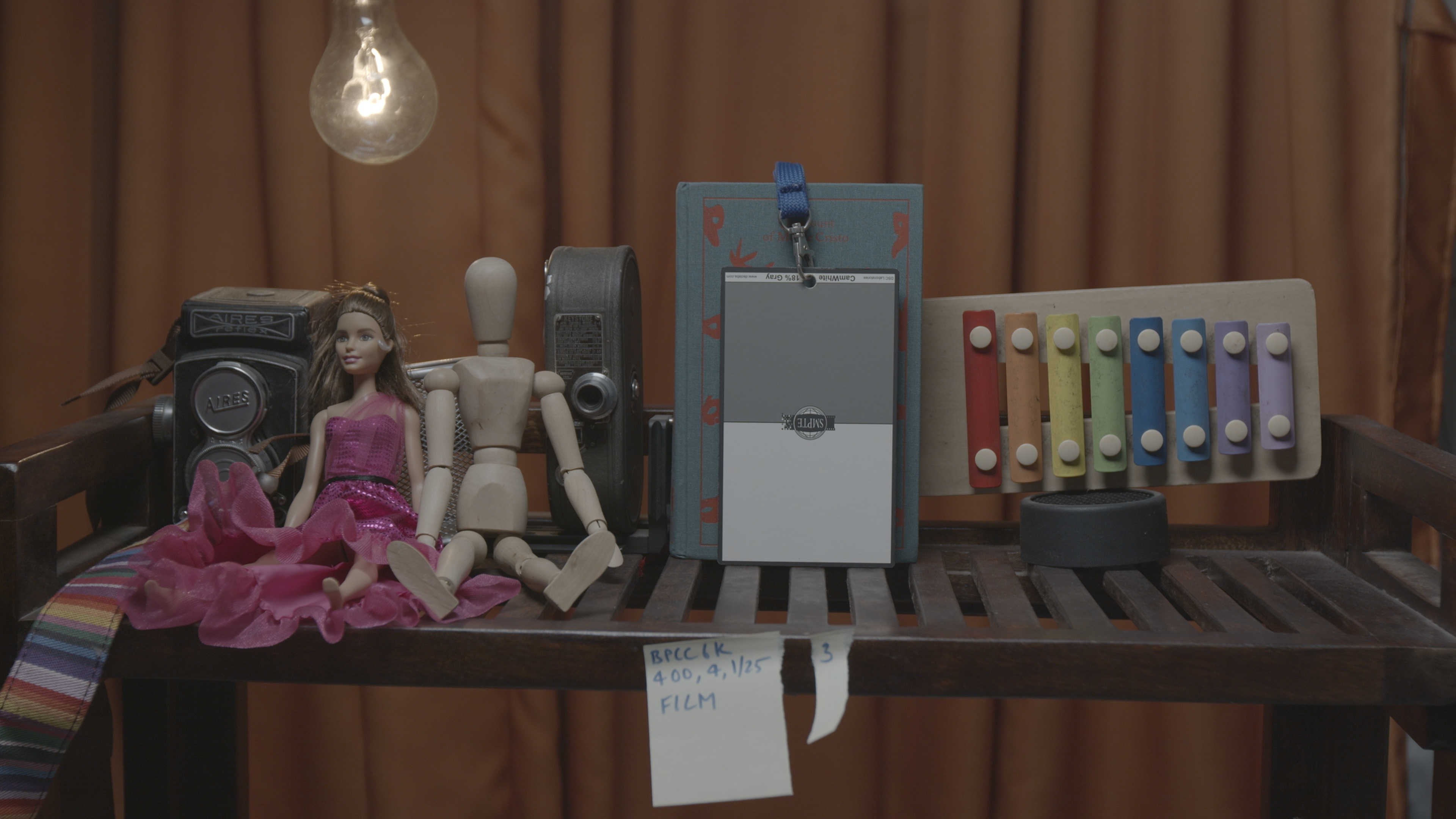
It’s pretty evident there’s a serious crop in 2.8K. However, is one advantage here. And that is the ability to get a zoom lens for free.
So, for wide angle shots, you can pick 1080p, and for telephoto shots, you can pick 2.8K. But the catch is, 2.8K is in BRAW, and 1080p is in Prores. Ouch!
You get 120 fps with both, and I would definitely pick 1080p Prores HQ here.
