
Please watch the lessons in order for best results.

Lesson 1: Full Camera setup
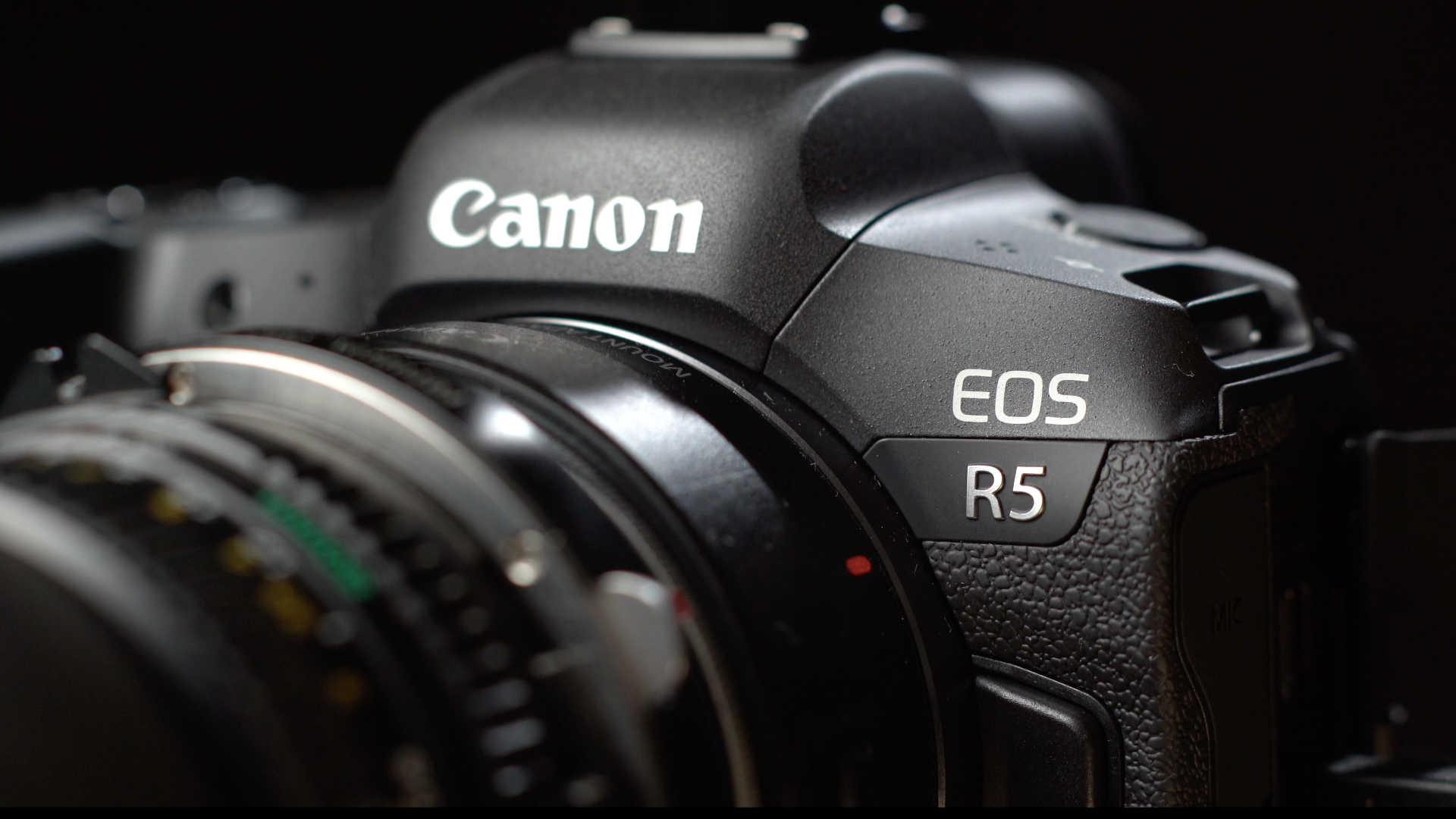
I set up the Canon EOS R5 from beginning to end, in one go, so you don’t have to worry about it ever again.
Lesson 2: How to use Zebras and LUTs
Learn how to use Zebras, LUTs or False Color before you you learn how to expose Canon Log:
Note: Spot metering isn’t available in video mode (pg. 907 of the manual). Learn to use Zebras, the Waveform or False Color.
Lesson 3: How to expose Canon Log – the Basics
If you’re new to Canon Log, watch this video first as I walk you through the basics of exposing Canon Log:
Lesson 4: How to expose Canon Log – Advanced
In this advanced video I go through the finer details of exposure, with insights not found in the earlier video:
Quick note: Just in case it isn’t clear. The majority of the face should be above 40 IRE. The shadows can fall below 40 to 30 IRE and the darkest portions can be 30-20 IRE.
The Wolfcrow System of Exposing Canon Log can be summarized in just two numbers:
1. Keep your ISO at ISO 400
2. Keep all skin tones above 40 IRE
Just remember 40/400!
Lesson 5: Canon Log vs Canon Log 3: Which one to pick?
Should you pick Canon Log 3? TLDR; Yes.
For reasons why, check out the video:
Lesson 6: How to expose Canon Log 3
In this video I go through the finer details of exposing Canon Log 3, to simplify it to its bare essentials:
The Wolfcrow System of Exposing Canon Log 3 can be summarized in just two numbers:
1. Keep your ISO at ISO 800
2. Keep all skin tones above 35 IRE
Just remember 35/800!
Lesson 7: How to grade RAW Canon Log
I show you how to deal with Canon Log. We dive into both RAW settings and LUTs to prepare your video for color grading. I’ve used Resolve 16.2, and the same would apply with any other software:
Lesson 8: How to grade ALL-I and IPB Canon Log
We go through the finer points of dealing with compressed Canon Log footage, which LUTs to use and how to prepare your footage for color grading. I’ve used Resolve 16.2, and the same would apply with any other software:
Lesson 9: How to grade Canon Log 3 (RAW, ALL-I and IPB)
I show you how to deal with Canon Log 3. We dive into both RAW and compressed Log 3. I’ve used Resolve 17, and the same would apply with any other software updated to support Canon Log 3:
Lesson 10: How I color graded Moments Within
An overview of the different scenes and how I graded them in DaVinci Resolve 16.2:
Watch Moments Within:
Downloads
Here you’ll find all the downloads and cheat sheets in one place:
- Download Exposure and Grading Quick Reference Guide for Canon Log 3 (PDF, 2021). Combined guide for exposure and grading that you can save to your mobile phone and use in the field.
- Download Exposure and Grading Quick Reference Guide for Canon Log (PDF, 2020). Combined guide for exposure and grading that you can save to your mobile phone and use in the field.
- Download Canon EOS R5 RAW Workflow Cheat Sheet (PDF). Quick reference guide to help you pick the right color space and LUT from camera to post production. For Canon Log RAW only.
- Download Canon EOS R5 Compressed Workflow Cheat Sheet (PDF). Quick reference guide to help you pick the right color space and LUT from camera to post production. For Canon Log IPB and ALL-I only. For Canon Log 3 stick to Canon Cinema. Gamut.
- Download Film LUTs I’ve Created for Canon Log (ZIP file, *.cube format).
