

In this quick video I’ll show you how to get frame markers or guides in the Panasonic GH5:
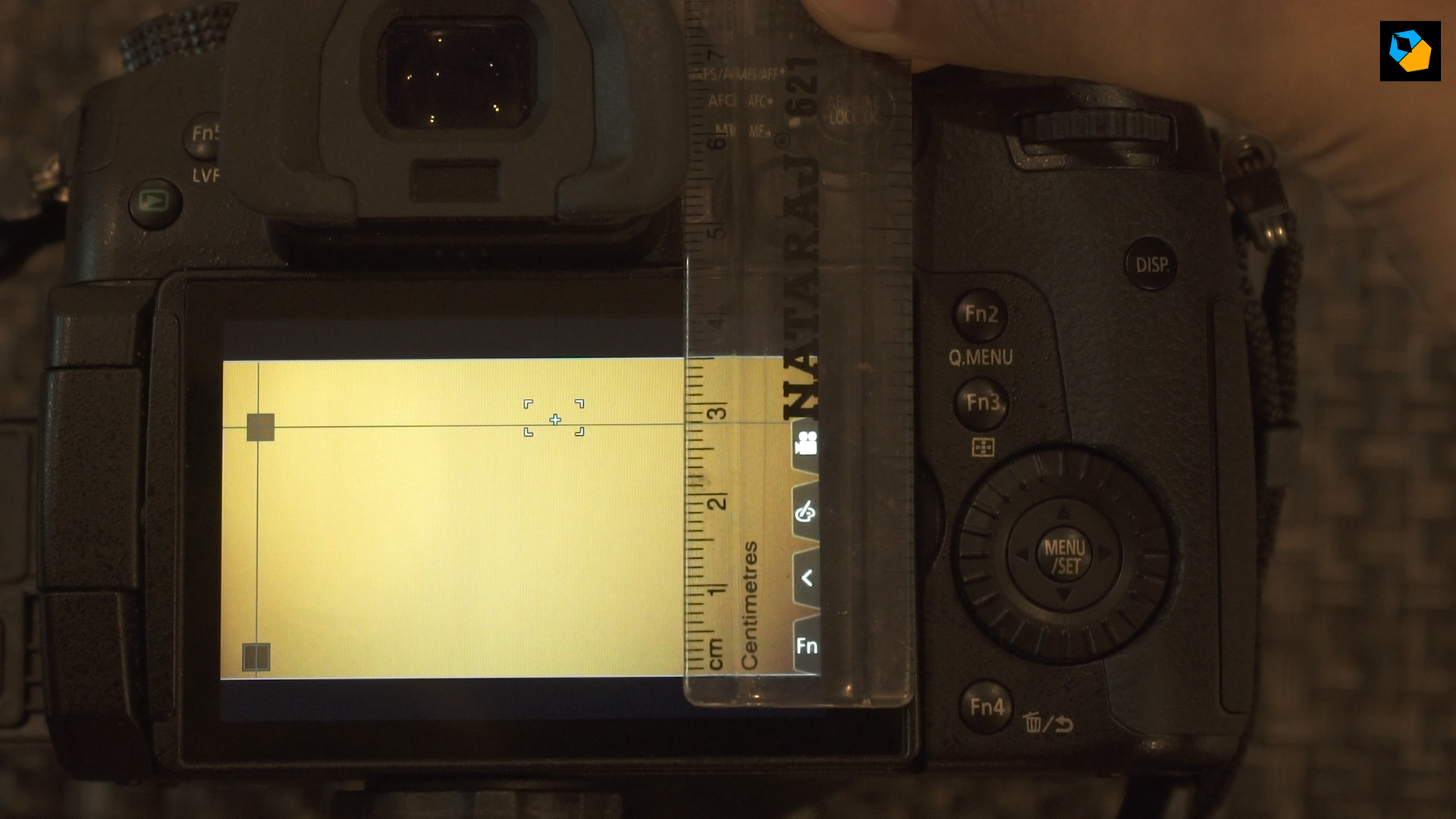
Quick tip: When you drag with your fingers it’s not very accurate, but you can move it step-wise from the menu using the control dial arrows.
[gh51]
Here are the custom markers I’ve set (use at your own risk, I don’t claim accuracy!):
UHD – 3840×2160, 16:9
The horizontal length of the LCD regardless of UHD or C4K is 66mm. The vertical height for UHD is 38mm. As you can see it’s not 16:9 precisely, so these are just rough guesstimates, but well within reasonable error.
2.35:1 (2.40 is easily divisible, the difference is only half a millimeter)

1.85:1

1.66:1
Here you’re moving the vertical line to 63 mm.
2:1

DCI 4K – 4096×2160, 1.9:1
The horizontal length of the LCD regardless of UHD or C4K is 66mm. The vertical height for UHD is 35.5mm.
2.35:1 (2.40 is easily divisible, the difference is only half a millimeter)
1.66:1
Here you’re moving the vertical line to 59 mm.
1.85:1
Here you’re moving the vertical line to 65.6 mm.
2:1

I hope you found this useful. Let me know in the comments below!
